
1. Login to EPOS v2 app.
2. Click on Clock In/Out.

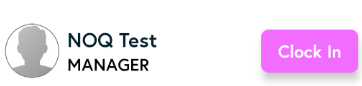
3. Click on Clock In button. Enter your unique pin to clock in. It will start the working time for you.
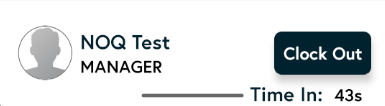
4. To clock out, click on Clock Out. Again enter your unique pin.
Want employee clock in/ clock out report? Check out this article: