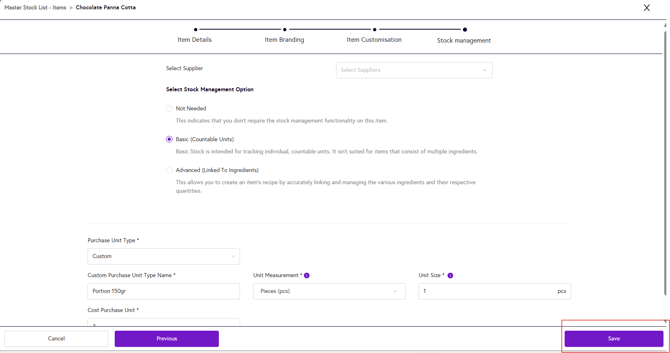
1. Login to the NOQ Portal.
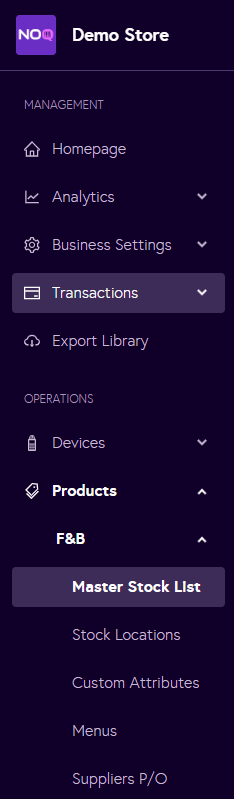
2. Navigate to Products -> F&B -> Master Stock List from the left navigation panel.
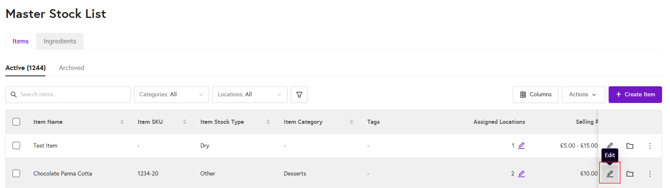
3. Click on the edit pencil icon against the item you would like to edit.
4. Update the Item Details, Item Branding, Item Customisation or Stock Management properties for the selected item as needed.
5. Once you’ve finished making changes, click Save in the bottom-right corner of the page to apply the edits to the item.