1. Log in to the NOQ Portal.
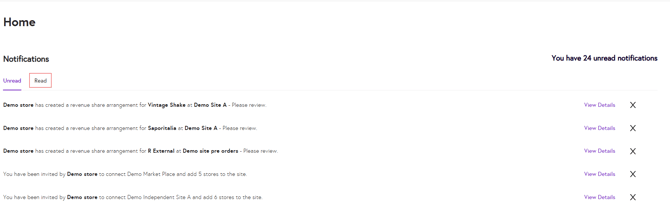
2. After you log in, the homepage will display your Unread Notifications. Please review any important notifications with Please review in the end to ensure you don’t miss key updates. Click on View Details to see more information about each notification.
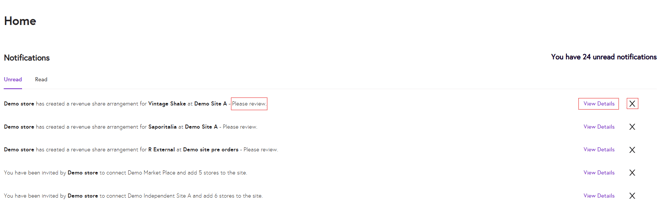
After you finish reading a notification, click the ❌ (Cross) icon to move it to the Read tab.
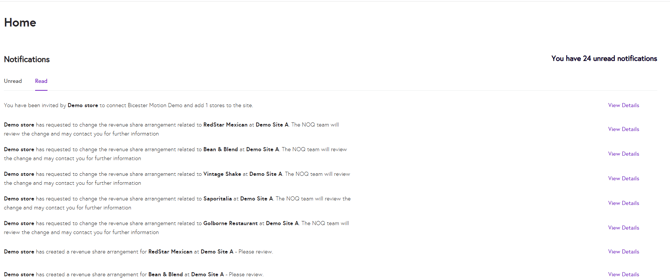
3. To view your previous notifications, click the Read tab.