
For example, if you have created multiple menus for your store but would like to disable some of them, follow the steps below.
1. Open the Lite v2/EPOS v2 app on the device.
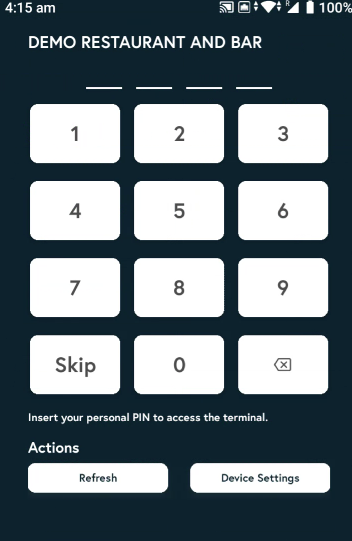
2. Enter the PIN, or tap Skip if you don’t have one.
3. Tap the three horizontal bars and click on device settings.

4. Click on 'Menu Settings'.

5. Select the menu you want to enable and deselect the ones you want to disable. Only your enabled menus will be visible in the POS app.
