1. On your terminal, click on the EPOS v3 app icon.
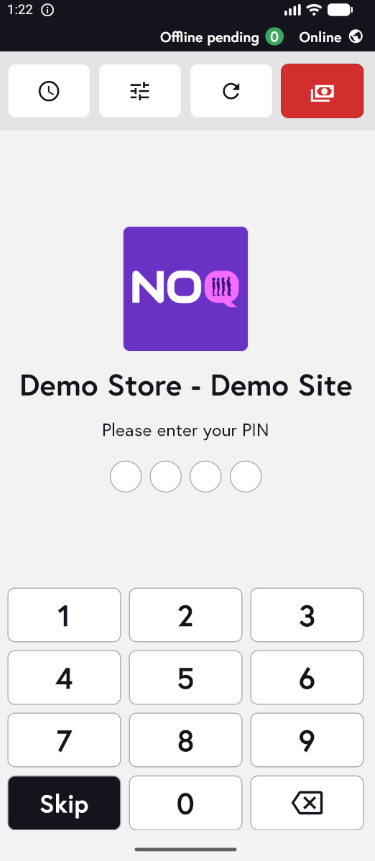
2. When the app opens, you will see the welcome screen. Either tap ‘Skip’ or enter your PIN (if you have one) to continue into the app.
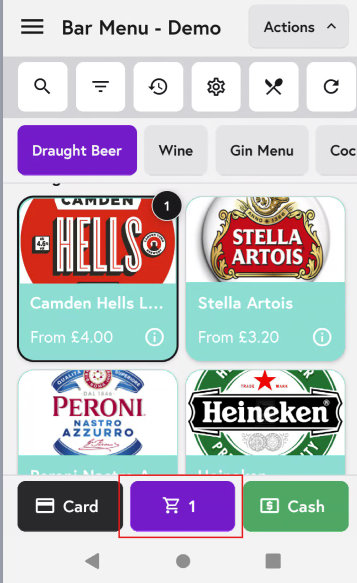
3. Add the items to the cart and after adding all the items click on cart icon as shown in the screenshot below.
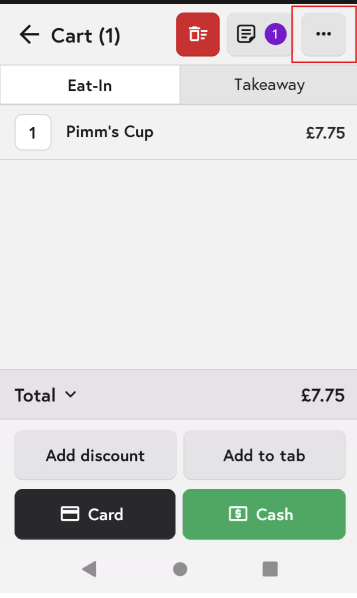
4. In the Cart screen, tap the three dots in the top-right corner.
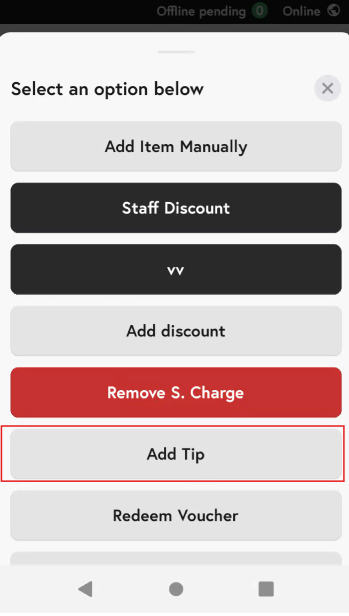
5.From the options available, click on ‘Add Tip’. (S means service)
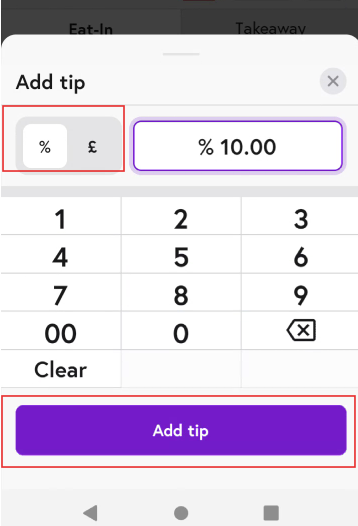
6. You can either add '%' or '£' based on what you would like and then click on 'Add Tip'.
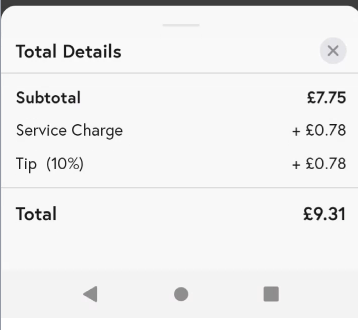
7. Once you add the tip details you can check in your Totals that the tip is added.