There are multiple ways to check if your item stock is running low:
1. Go to the Stock Sales Report and review your stock levels. Click here to see how you can access the Stock Sales Report.
2. If you’ve enabled stock alerts, you’ll receive an email notification when an item falls below the stock threshold you’ve set. Click here to learn how to set up stock alerts.
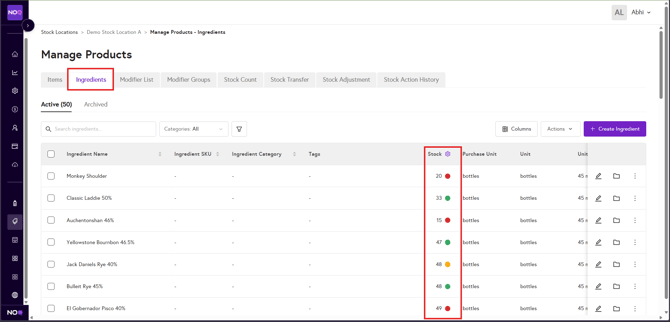
3. You can also navigate to: Business → F&B → Stock Location → Manage Product

4. Select Ingredients to review and manage current stock levels.