1. On your terminal, click on the EPOS v3 app icon.
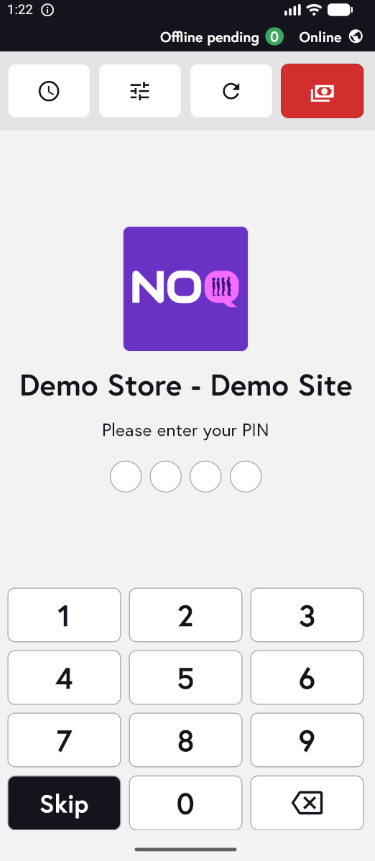
2. When the app opens, you will see the welcome screen. Either tap ‘Skip’ or enter your PIN (if you have one) to continue into the app.
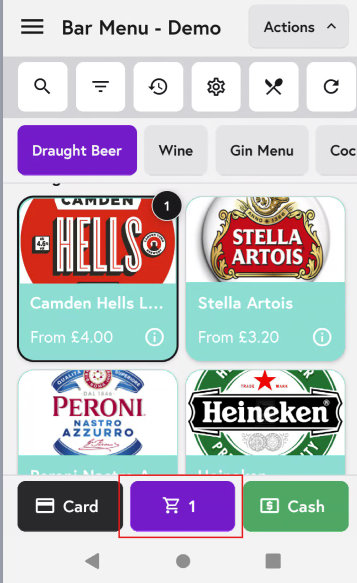
3. Add the items to the cart that you want to include in a new general tab. After adding all the items click on cart icon as shown in the screenshot below.
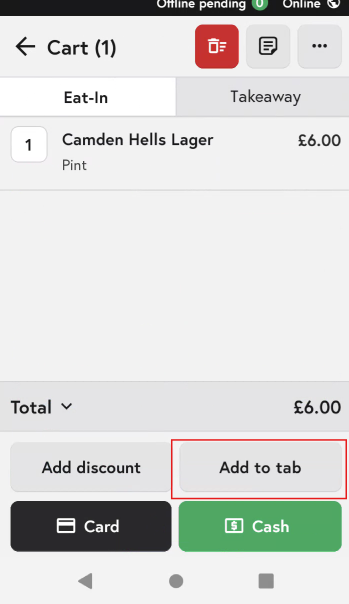
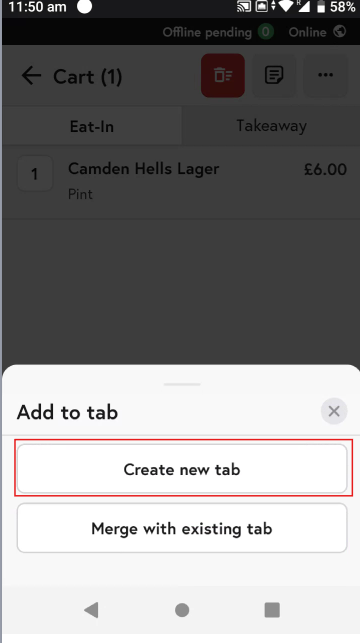
4. In the Cart Section, click on Add to tab button on the bottom.
5. Then click on 'Create a new tab button'
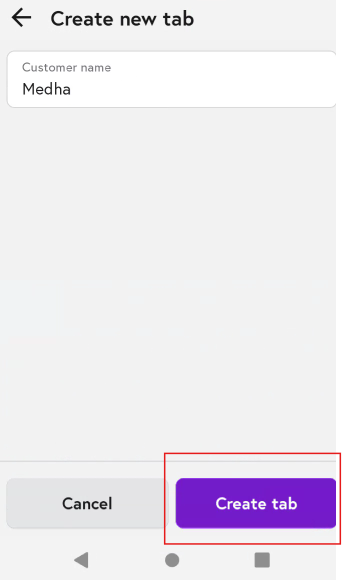
6. It will ask u to add a customer name and then click on 'Create Tab'.
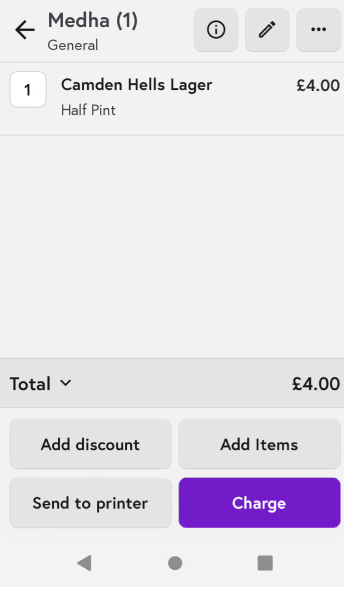
7. Then you will see here that the item has been added to your General tab with the Customer Name you gave.