1. Login to the NOQ Portal.
2. Navigate to Products -> F&B -> Menus.

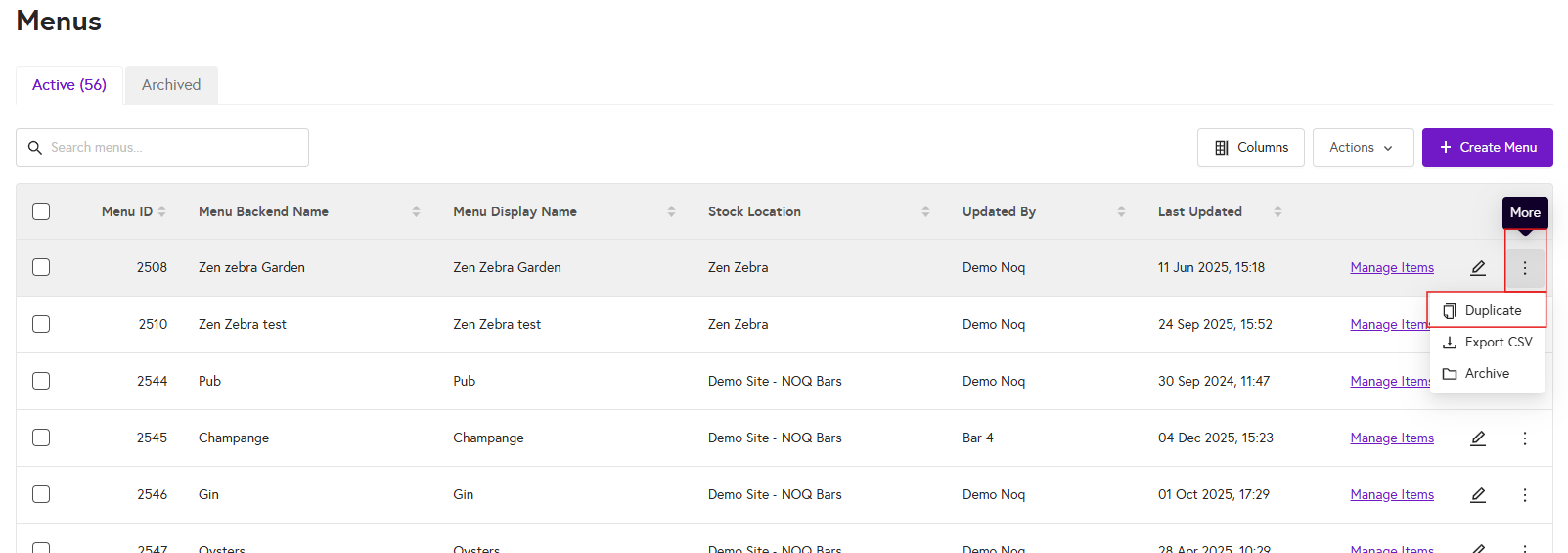
3. Click on the three dots next to the menu you want to duplicate, then select the Duplicate option from the list, as shown in the screenshot below.
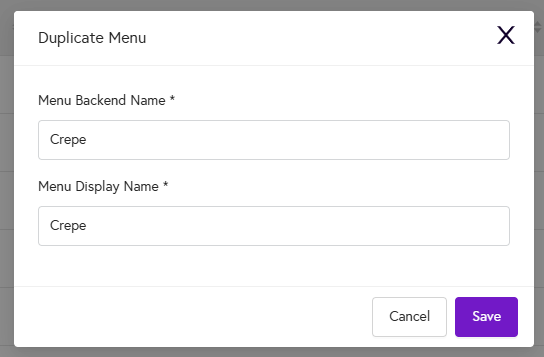
4. A pop-up box will appear. Enter the menu backend name and display name, then click Save. Your selected menu is now duplicated with the name you entered.