
1. Open NOQ Insights app.
2. On the login page, click on "Forgot Password?".

3. Enter you mail id in the text box and click on Send Mail to get password reset link in email.

4. Click on the Reset Password button in the email you received. You will be redirected to the password reset page.

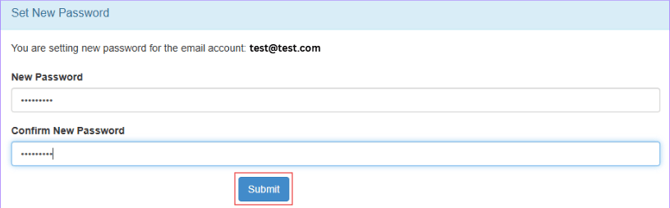
5. Enter New Password & then Confirm New Password. Click on Submit to reset the password.
Now you can login using new password.