1. On your terminal, click on the EPOS v3 app icon.
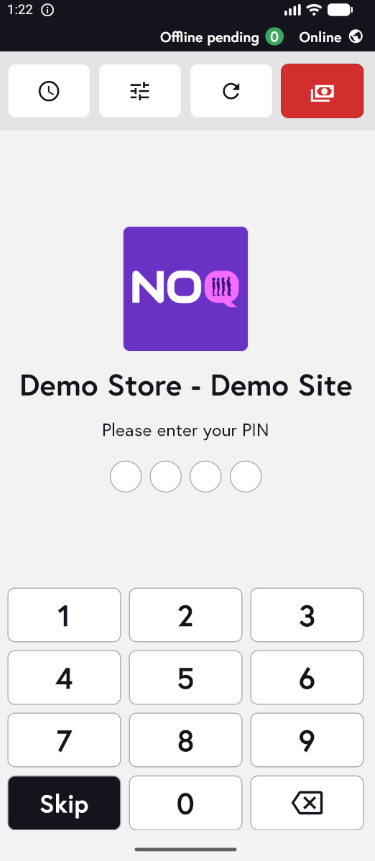
2. When the app opens, you will see the welcome screen. Either tap ‘Skip’ or enter your PIN (if you have one) to continue into the app.
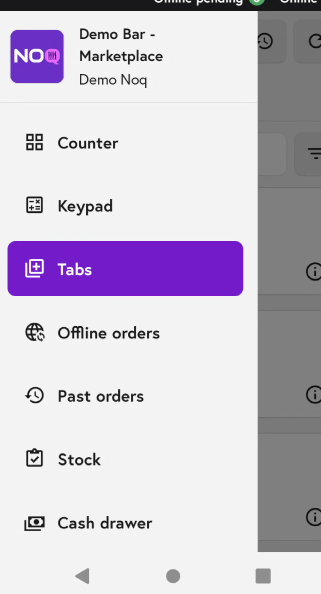
3. Click on the three horizontal lines in the top left corner and select Tabs.
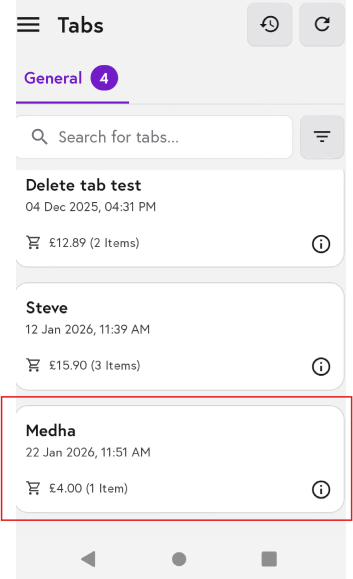
4. From the list of general tabs, select the tab you would like to move.
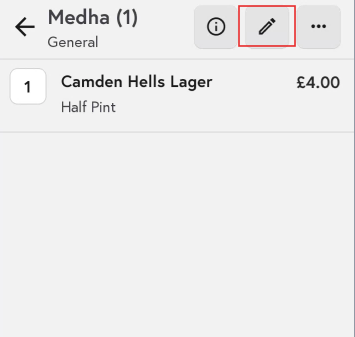
5. Now tap the pencil (edit) icon at the top.
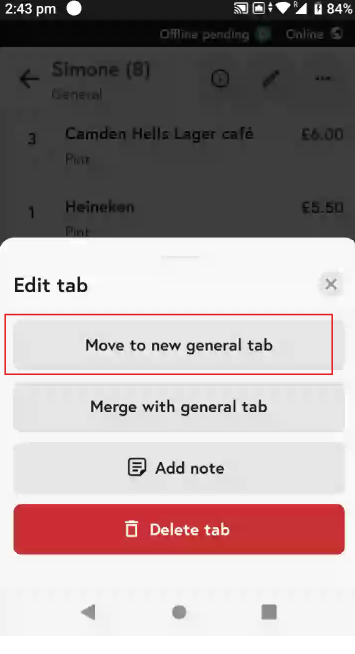
6. Click on 'Move to a new General Tab' from the options below to merge to another tab.
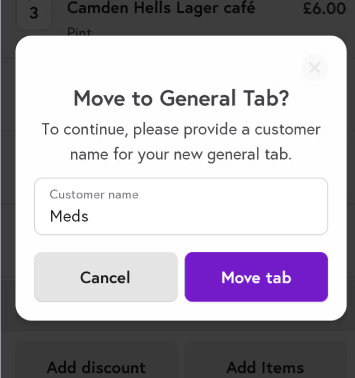
7. Enter the name of the customer that will be used for the new tab, then click ‘Move tab’.
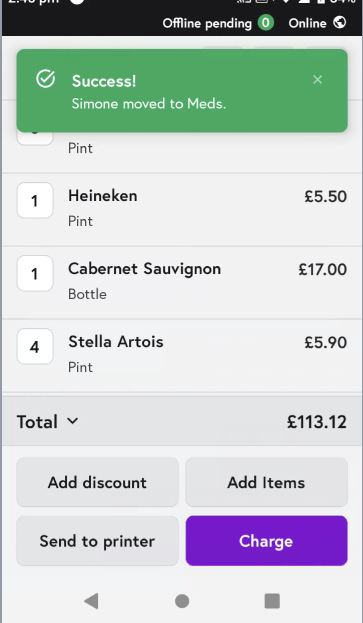
8. You will get a success message once tab is moved.