
1. On your terminal, click on the EPOS v3 app icon.
2. There are two ways how you can refresh the terminal the first way
- When you open the app, tap the circular icon at the top to refresh the terminal.
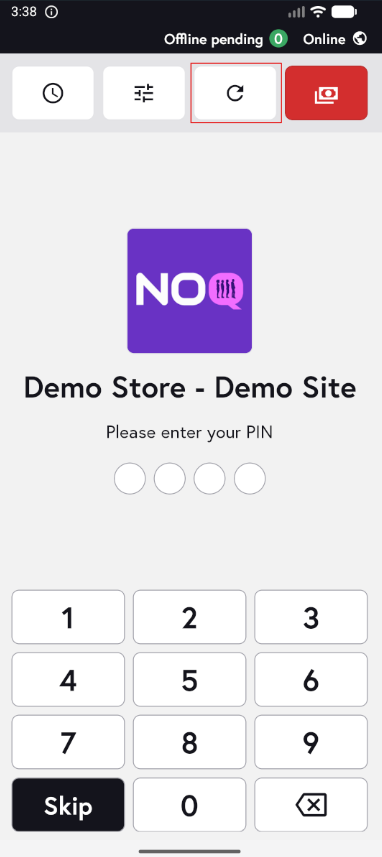
- The second way is to refresh from within the app. After you skip or enter the PIN, tap Actions, then tap the icon in the top-right corner (highlighted in red) to refresh the terminal.
