
1. Open the NOQ Insights App on your mobile phone.
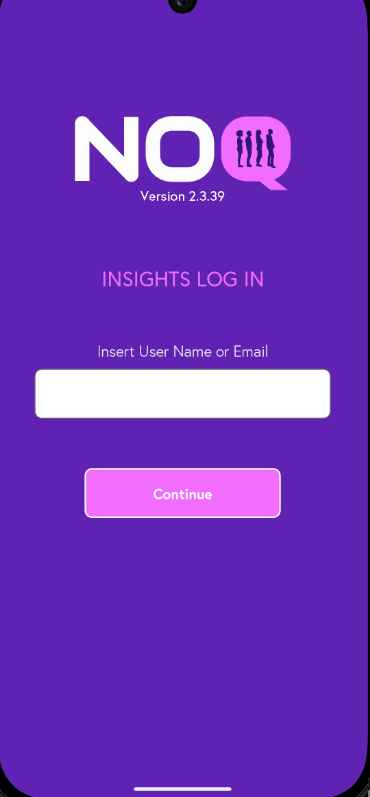
2. Enter your registered email or user name, then tap Login to receive OTP(One Time Password) on your mail to access your NOQ Insights account.
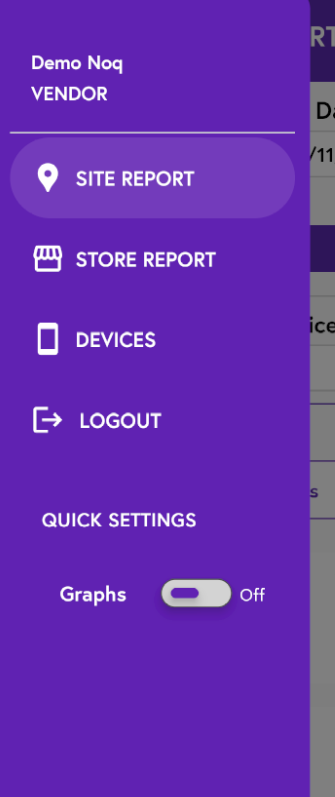
3. Tap the three lines in the top left corner to open the navigation panel, then select either Site Report or Store Report. Choose Site Report to view a site-wide report, or Store Report to view a store-wide report.
4. Once you’ve selected Site Report, choose the start date and end date for the period you want to see your sales data for. Then, under the Site dropdown, select the site you’ve previously traded at (as shown in the screenshot) and tap 'Generate' to access that year’s sales data.
