
1. Login to the NOQ Portal
2. Navigate to your 'Store'
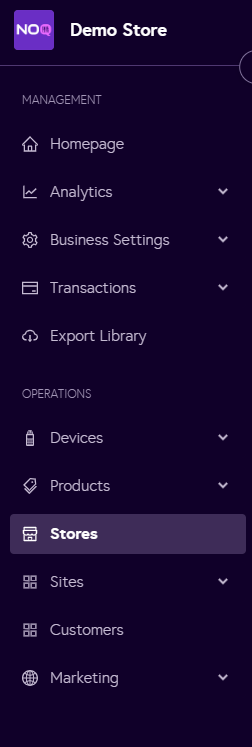
3. Go to your Store -> Store Services -> Onsite Services -> Select your Service.
4. When you are in your onsite service you can select one of the options from service charge type as stated below:

a. For Percentage, follow the below steps:
1. Input the Pre-Set Tip Amount (%) as you want
2. Then Click Save on the top right corner of the page

b. For Flat, follow the below steps:
1. Input the Pre-Set Tip Amount in £ as you want
2. Then Click Save on the top right corner of the page
