
1. On your terminal, click on the EPOS v3 app icon.
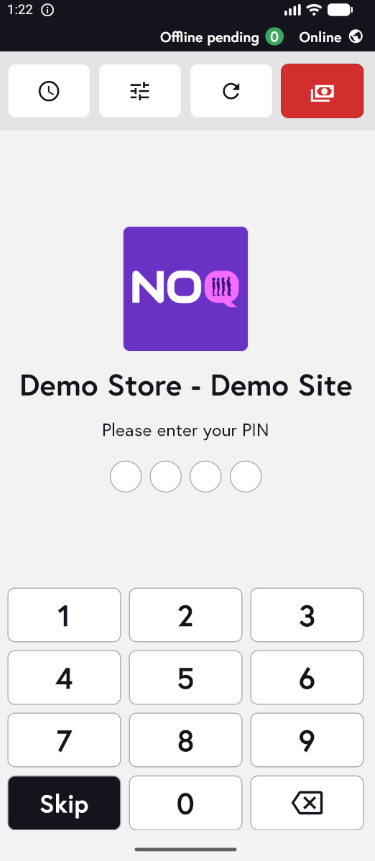
2. When the app opens, you will see the welcome screen. Either tap ‘Skip’ or enter your PIN (if you have one) to continue into the app.
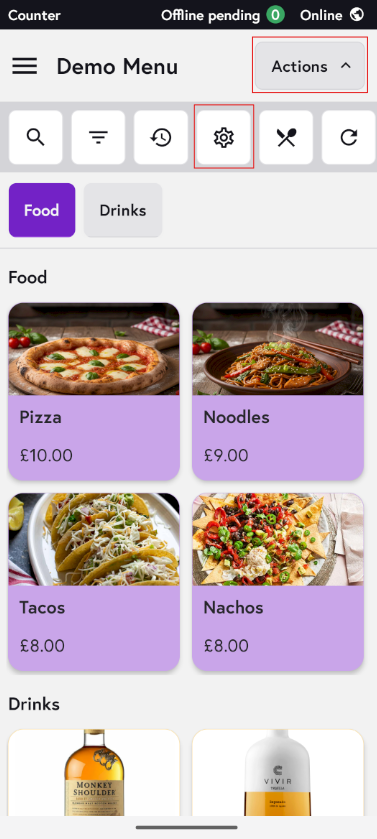
3. Click on Actions and then Settings Icon.
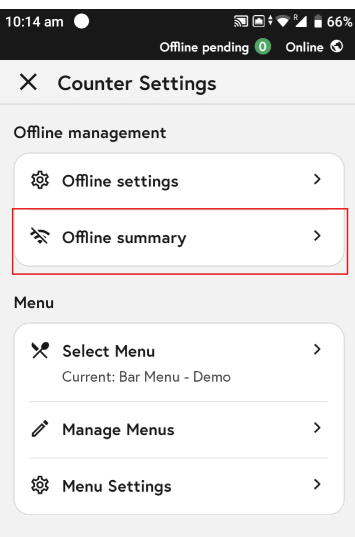
4. Click on Offline Summary.
5. In the Offline Summary Section, you will be able to see your offline status.
-
Number of payments – shows how many offline transactions have been processed against the limit you’ve set.
- Amount transacted – if you’ve set an offline limit of £500, this shows how much of that limit has been used in offline transactions.

To learn how to edit your offline settings on the EPOS app click here.