1. Login to the NOQ portal.
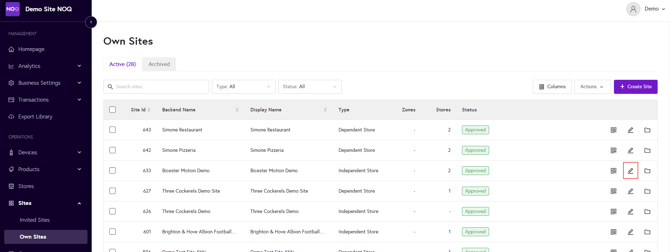
2. Navigate to the site the dependent store is associated with and click on edit (pencil) button as indicated in the screenshot below.
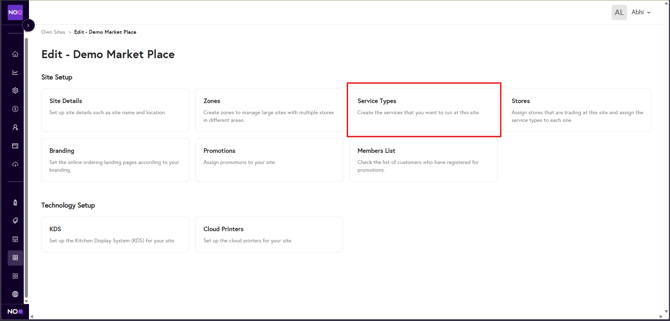
3. Click on Service Types.
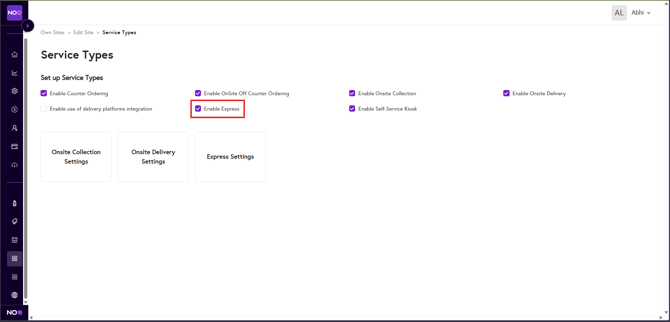
4. Ensure the Enable Express checkbox is selected.
5. Go back to site page and click on Stores option.
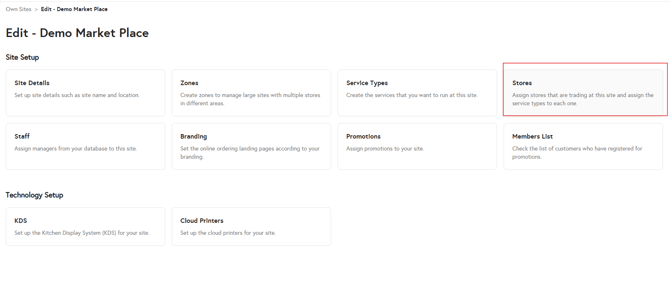
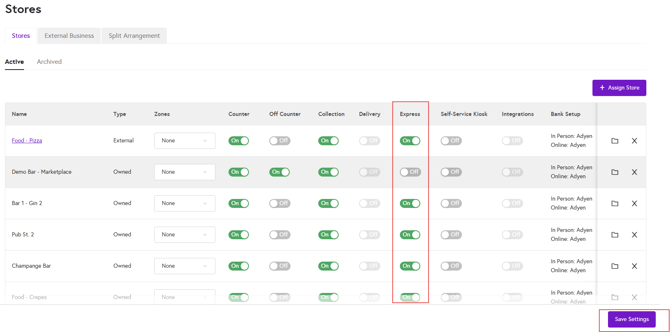
4. Enable the Express toggle for the required store, then click Save Settings. Express will now be enabled for your dependent store.