1. Open the EPOS v2 app on the device.
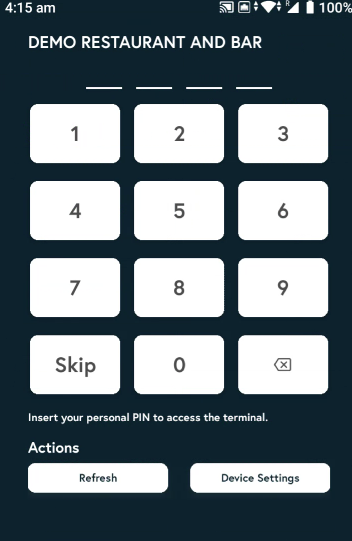
2. Enter the PIN, or tap Skip if you don’t have one.
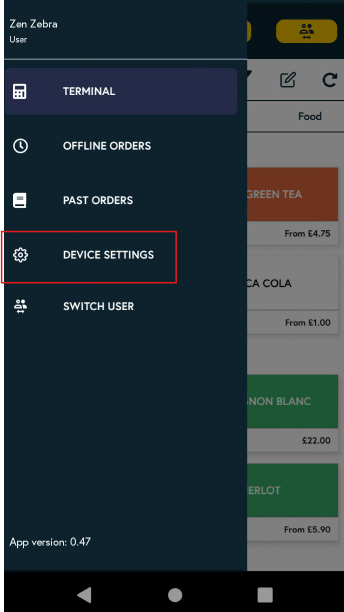
3. Tap the three horizontal lines at the top of the screen and select Device settings.
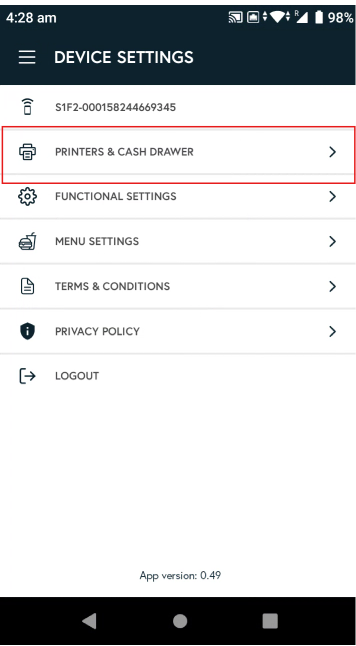
4. Next, click on printers and cash drawers.
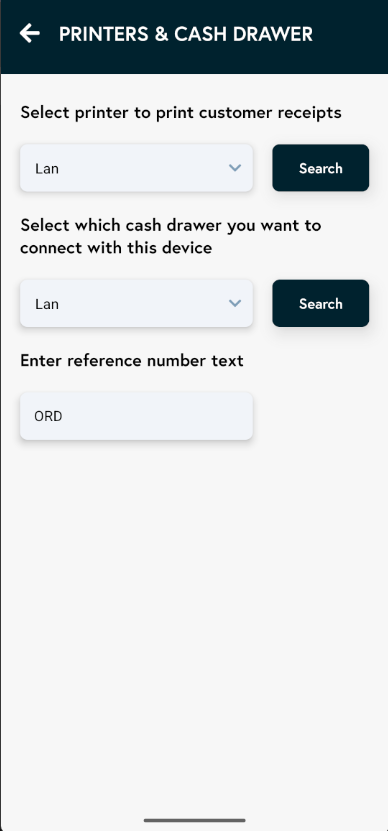
5. The EPOS v2 app connects via LAN only, so select LAN.
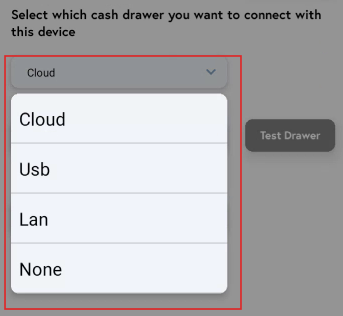
6. You will now see a Search option for printers, and if your cash drawer is connected via LAN, you will also see a Search option for the cash drawer. Tap Search to detect and select the relevant printer and cash drawer.