1. Login to the NOQ portal.
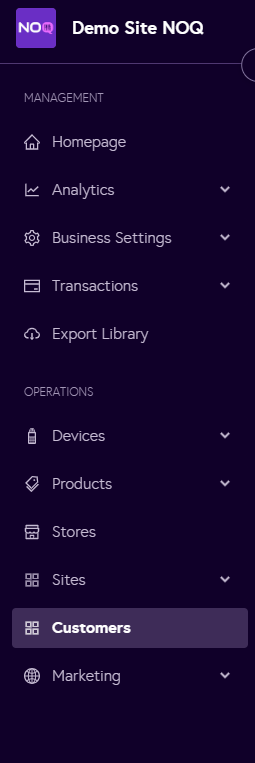
2. Navigate to 'Customers' from the left navigation panel.
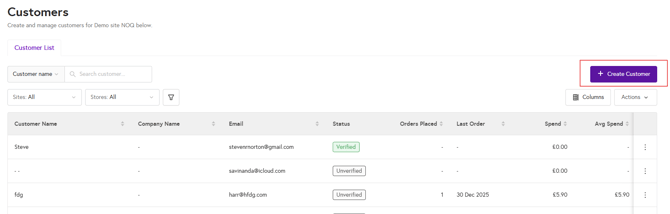
3. Click on 'Create Customer'.
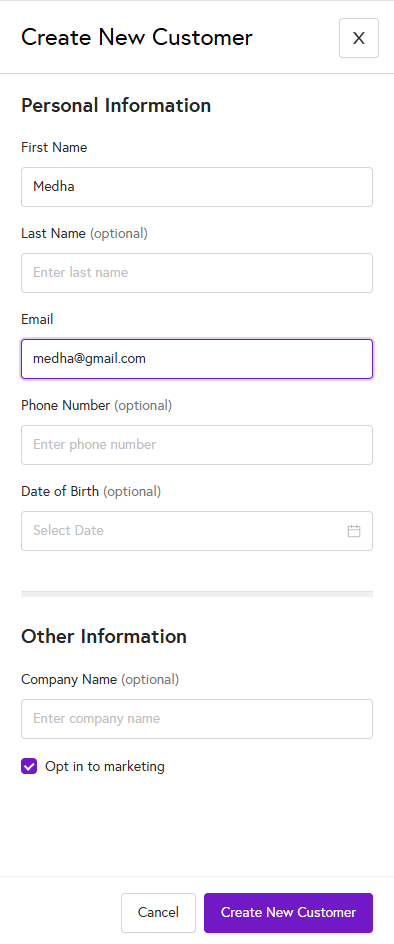
4. Enter the customer details as follows:
- First Name (mandatory)
- Last Name (optional)
- Email (mandatory)
- Phone Number (optional)
- Date of Birth (optional)
- Company Name (optional)
- You can choose whether to opt the customer in to marketing communications.
- Once all required details are entered, click on Create Customer to create the new customer record.