
- Navigate to the NOQ Backend Portal > Products > Suppliers P/O.
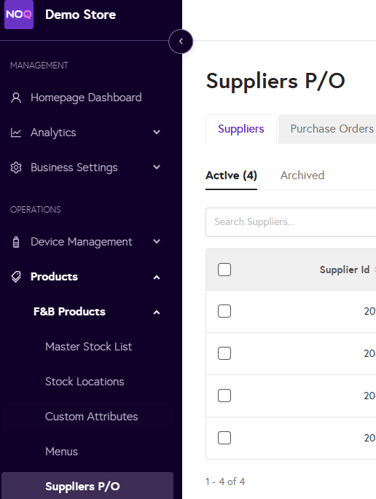
- Click Create Supplier
- Fill in the following details:

- Supplier ID (system-generated)
- Supplier Name
- Account Number
- Contact Details
- Use the Postcode or first line of the address to search and add the supplier’s address.
- Click Save when done to create the supplier.