
1. On your terminal, click on the EPOS v3 app icon.
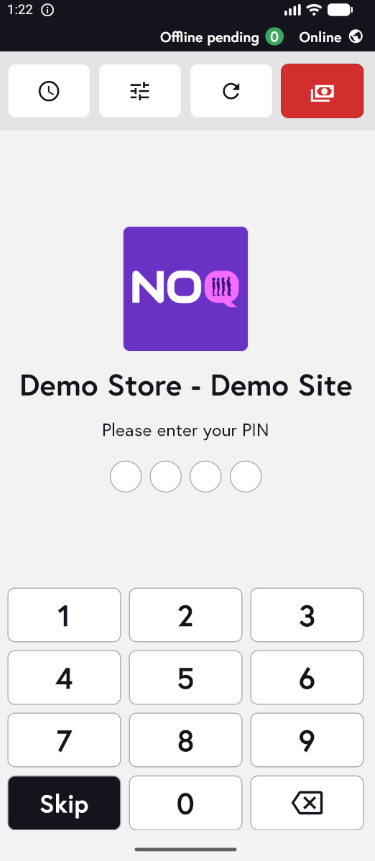
2. Once you open the app, the following screen will appear prompting you to enter a PIN. Enter either a staff PIN or a manager PIN, depending on who is logging in, to access the app.
1. On your terminal, click on the EPOS v3 app icon.
2. Once you open the app, the following screen will appear prompting you to enter a PIN. Enter either a staff PIN or a manager PIN, depending on who is logging in, to access the app.