
1. Login to the NOQ portal.
2. Navigate to 'Customers' from the left navigation panel.
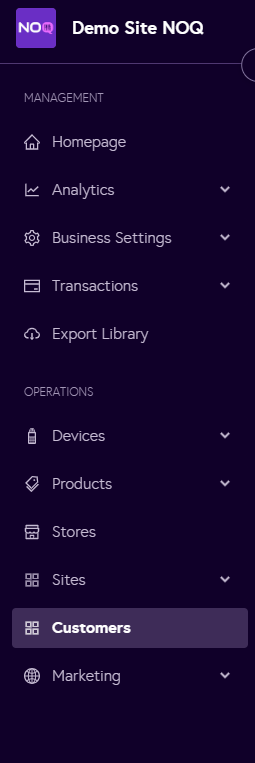
3. Click on 'Actions' and then 'Export Customers'.

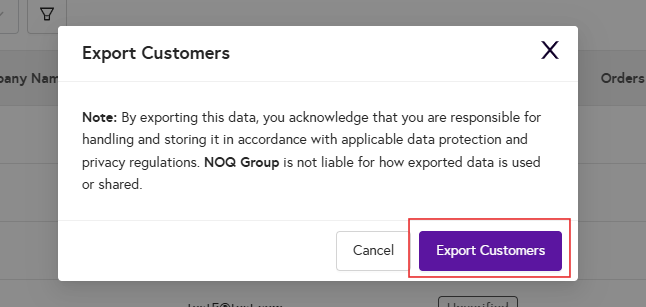
4. Then a dialog box will appear click on 'Export Customers' again.
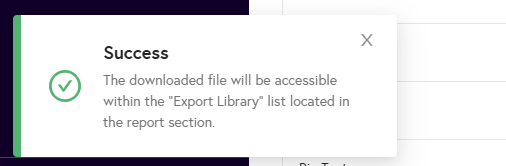
5. You will be able to see this message and then you can go to Export Library to check your export.
6. Go to the Export Library from the left panel, and you will be able to see your exported customer reports.
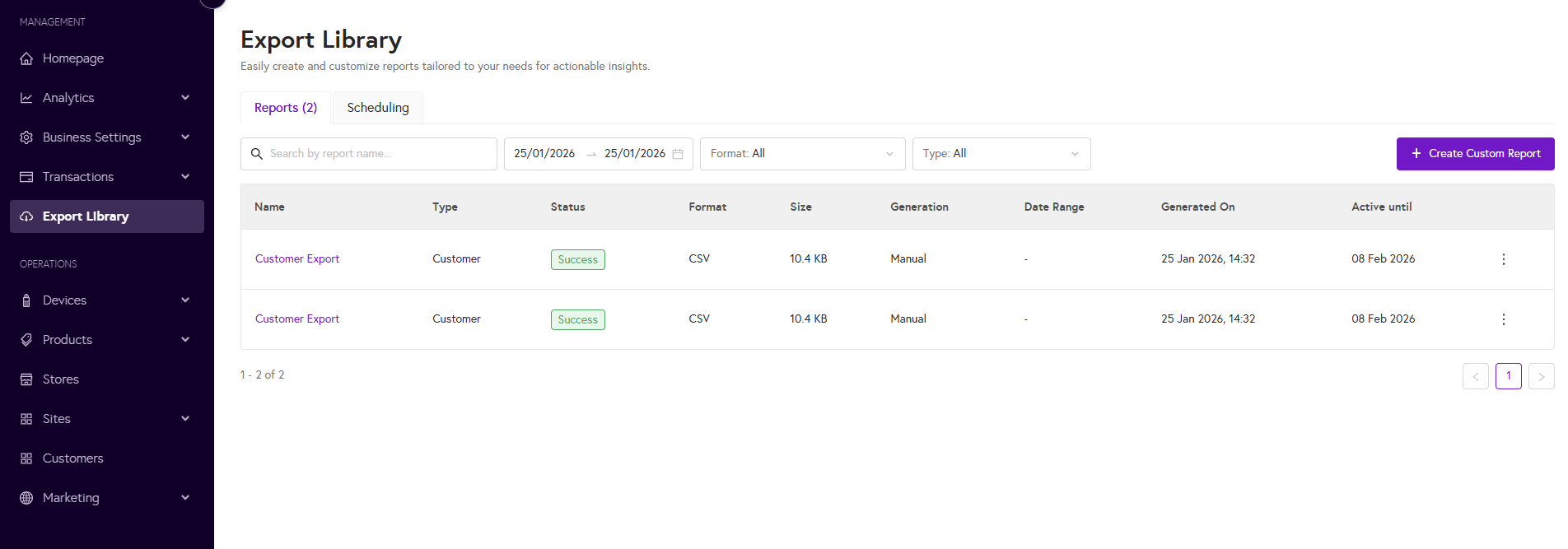
7. Then, to download, click on the three dots next to your export and select ‘Download report’ to download your customer report.
