1. Login to the NOQ portal.
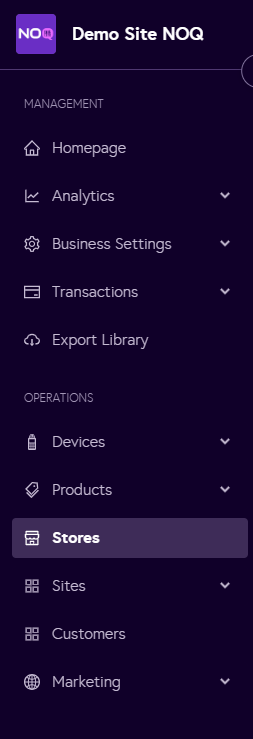
2. Navigate to Stores from the left navigation panel.
3. For your selected store with mobile ordering enabled, click on “QR Code” and then “Preview” to open it. Copy and paste the link into your browser to view the ordering page, or download the QR code so customers can scan it to access the website and place their orders.

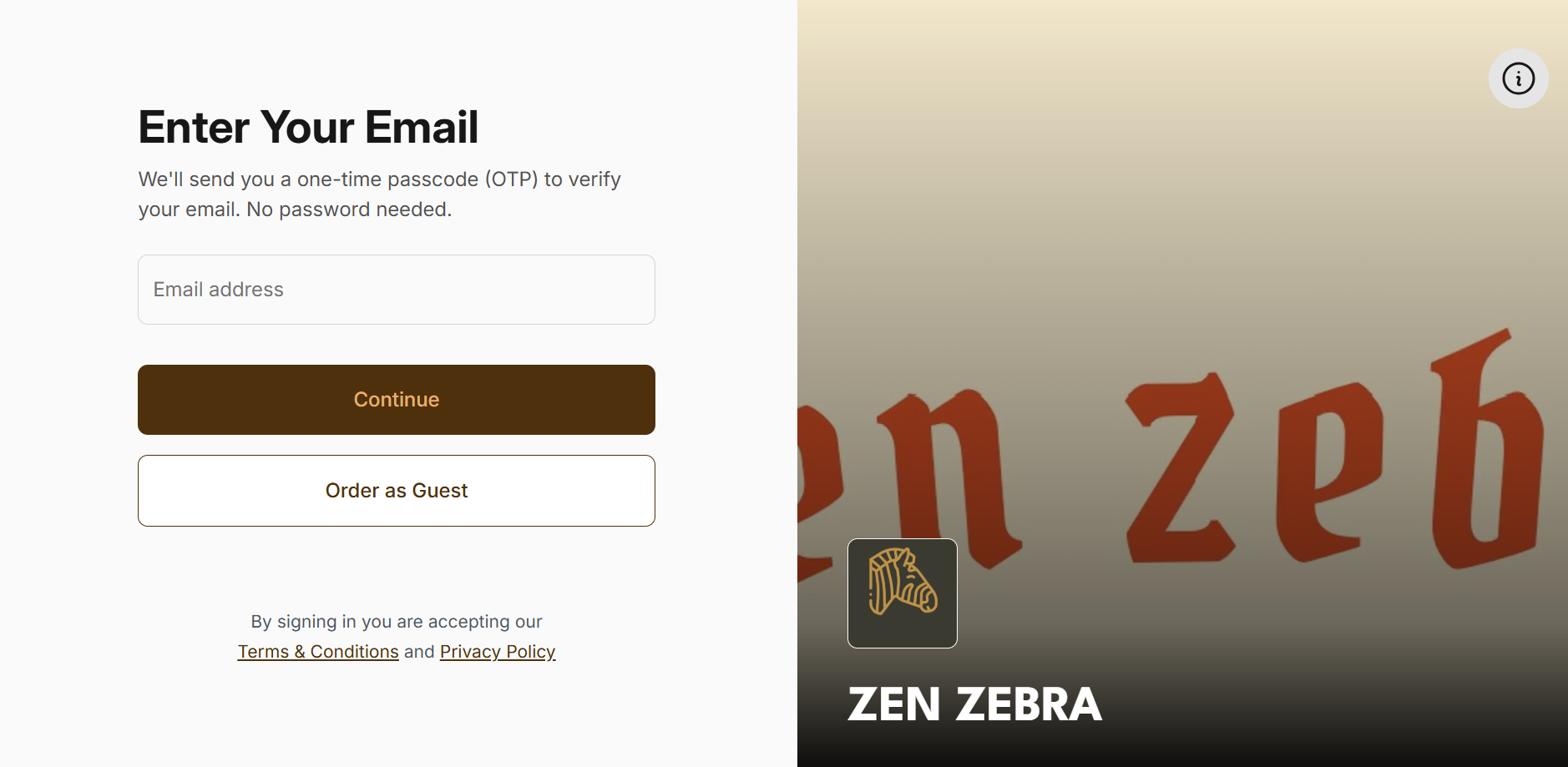
4. Once you open the URL in your browser, the ordering page will appear, and you can either log in or continue as a guest.