1. Open the NOQ backend website.
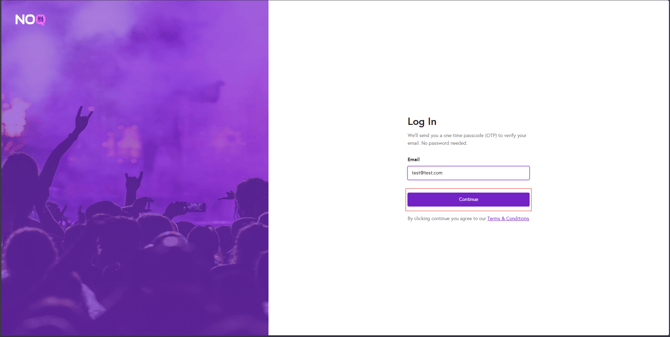
2. Enter your email address and click Continue. A One-Time Passcode (OTP) will be sent to your email address.
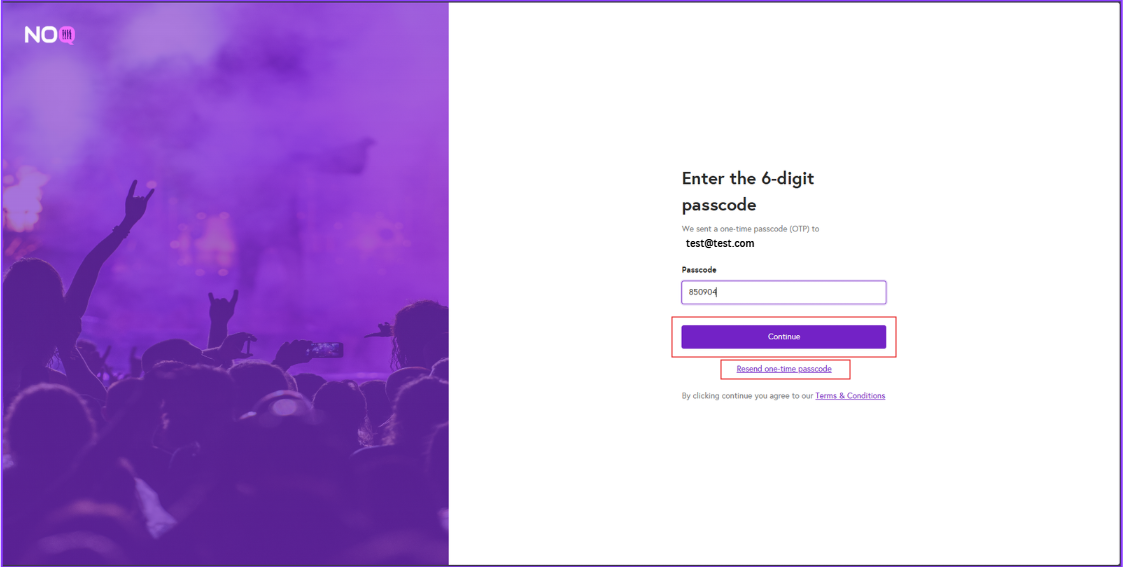
3. Enter the One-Time Passcode (OTP) you received in your email. If you did not receive the OTP, click Reset one-time passcode to have a new code sent.
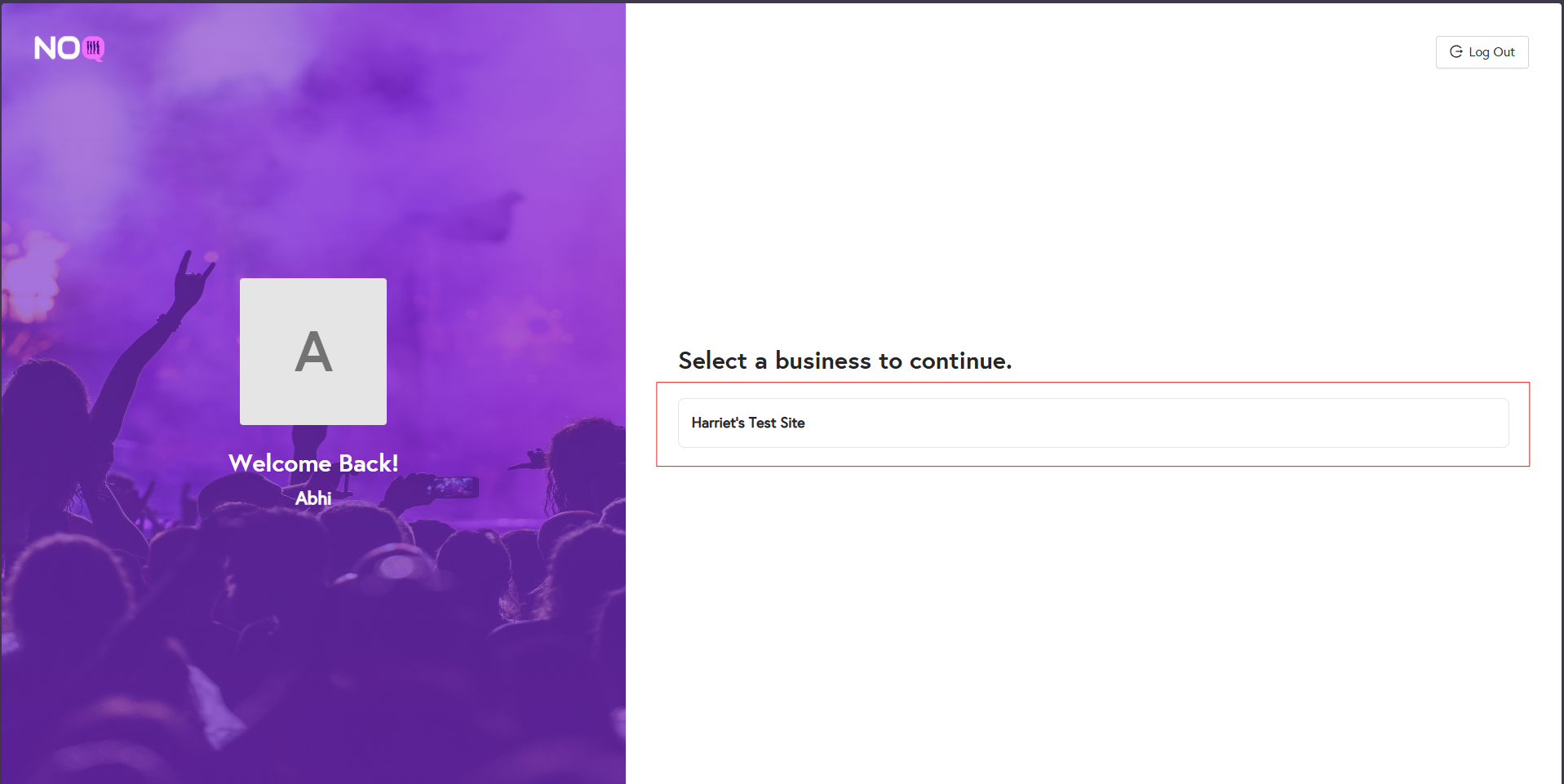
4. You will see a list of businesses you have access to. Click on the relevant business to open it.
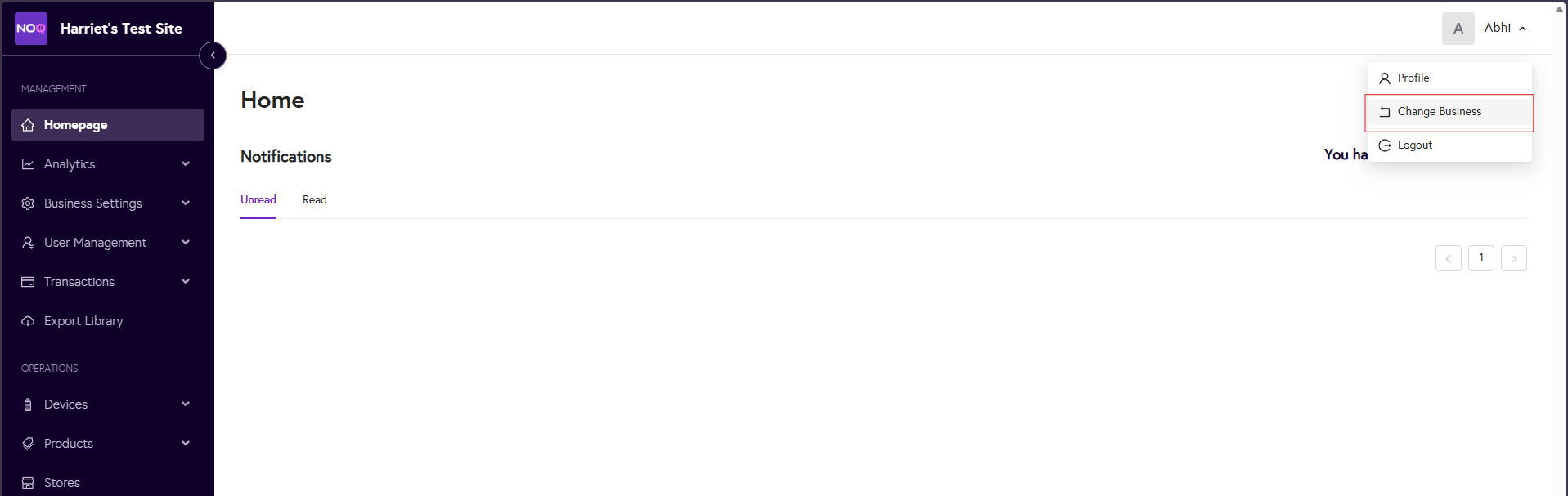
5. To switch to a different business, click your name in the top-right corner and select Change business.