1. On your terminal, click on the EPOS v3 app icon.
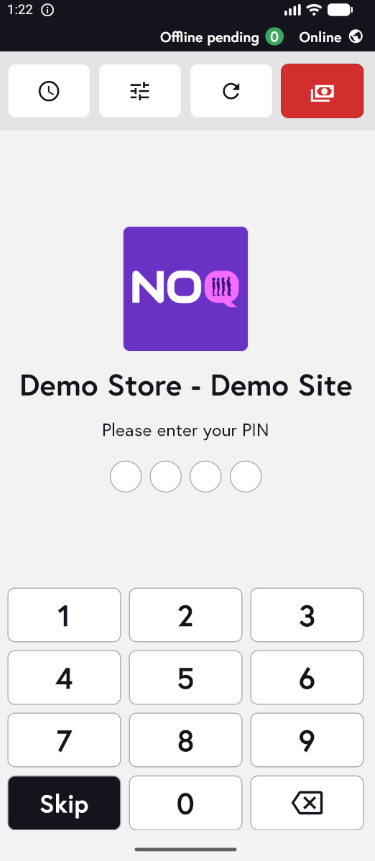
2. When the app opens, you will see the welcome screen. Either tap ‘Skip’ or enter your PIN (if you have one) to continue into the app.
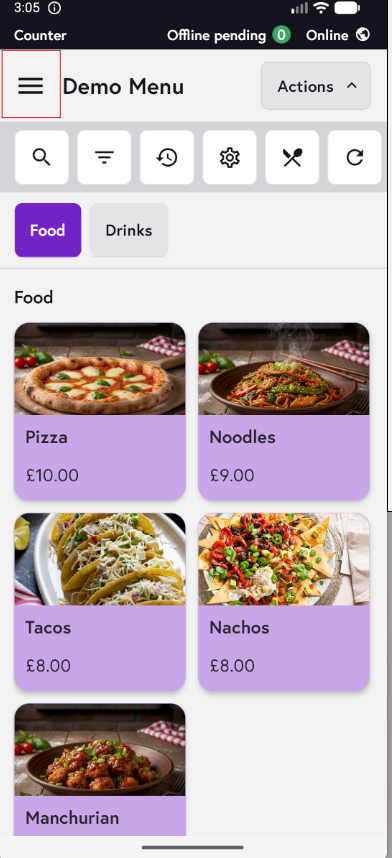
3. Click on the three horizontal lines on the top left corner of the screen to access the sidebar.
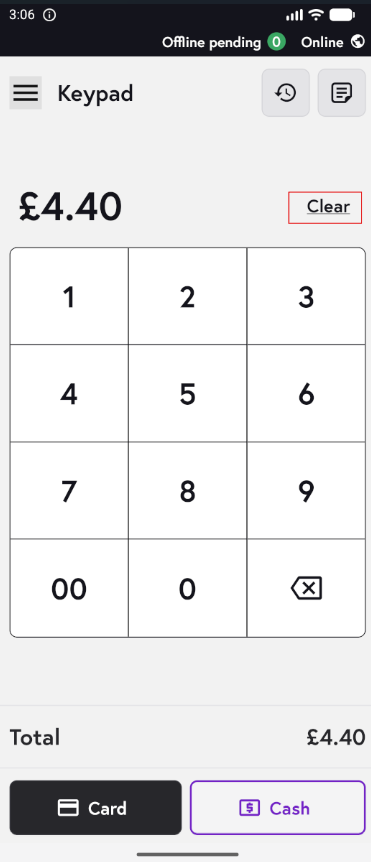
4. Click on 'Keypad'

5. Your keypad screen will look similar to this, and you can seamlessly enter the amount and take payment by card or cash. Click on Clear to remove the amount entered.