
1. When you power on your terminal, you will see the NOQ Merch app on the screen - tap on it to open it.
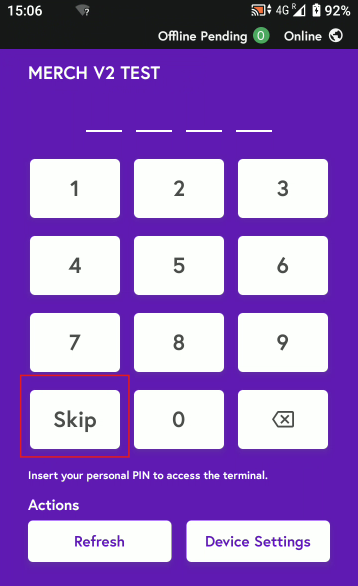
2. Either tap Skip or enter your store PIN to sign in to the app.
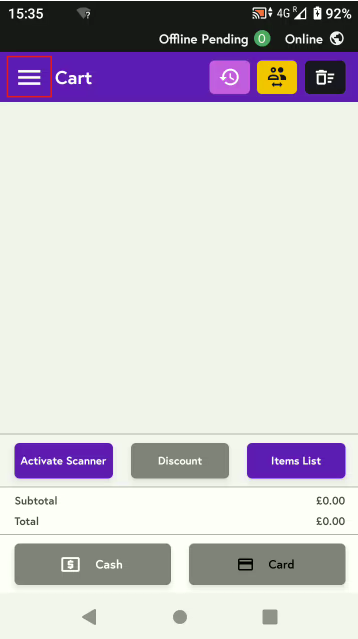
3. Click on three horizontal lines on top:
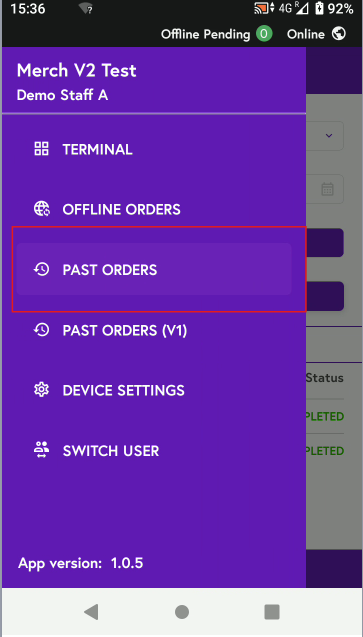
4. Click on Past Orders:
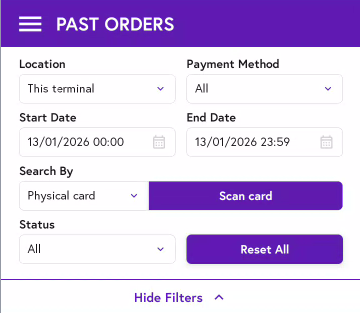
5. Select the location and payment method (card or cash), apply any date and time filters, then either scan the card or search by order number or card number.
6. Once you have found the order which needs to be refunded click on it, then click the refund button.
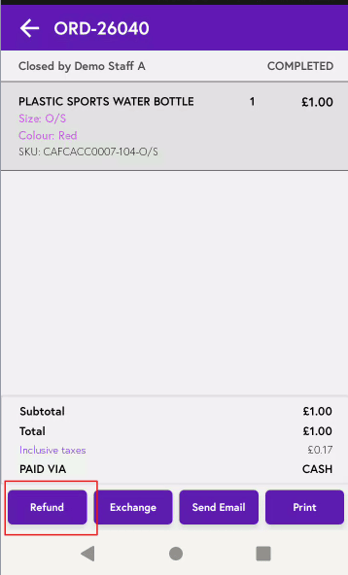
7. You can process a refund in three ways: full refund, partial refund, or refund by items.
-
Full refund – select this option, choose any stock action (such as wastage), add a note if needed, and tap Refund.
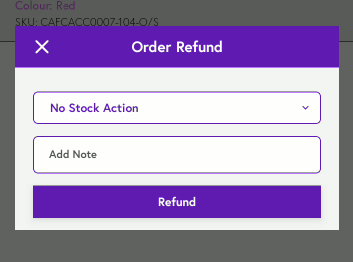
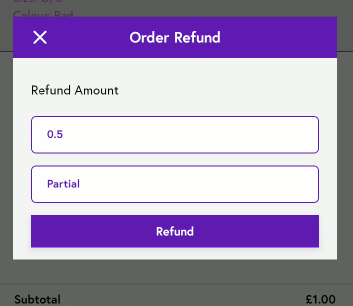
- Partial refund – enter the amount to be refunded, add a note if needed, and tap Refund.
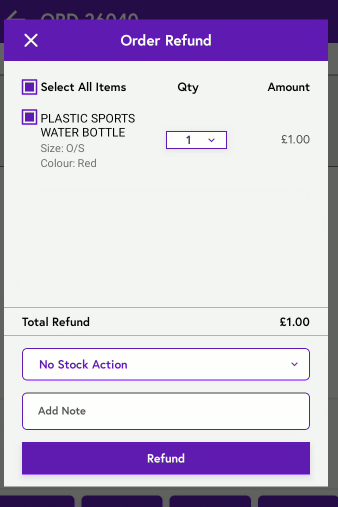
- Refund by items – select the items to be refunded, choose the appropriate stock action, add a note if needed, and tap Refund.
Note: Once a refund is processed in the backend portal, it typically takes 3–5 business days for the funds to be returned to the customer’s account.
If the refund has not reached the customer or failed after 3–5 business days, please raise a ticket with our support team here.