
Once you have created vouchers and selected “Online” as the interface (or if any of your interfaces are online), follow the steps below to understand how to redeem them online through our PWA app:
If you want to learn how to create vouchers click here.
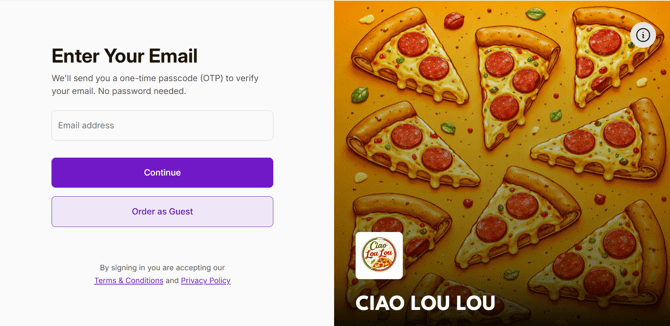
1. After scanning the QR code or entering your store URL into a web browser, the customer can either sign in or continue as a guest. (The screenshot below is from a web browser, but the same steps can be followed on the phone.)
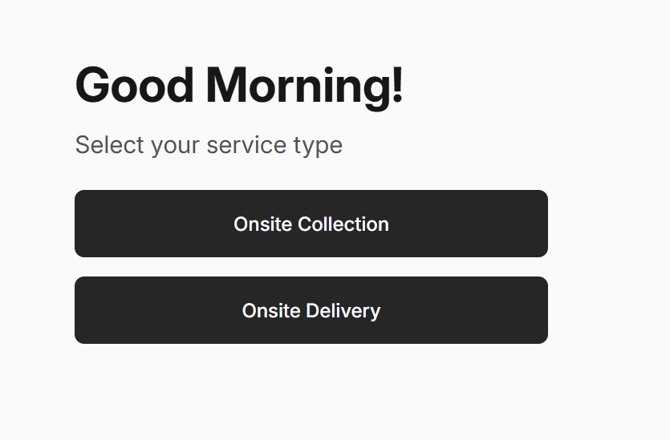
2. Select the Service Type.
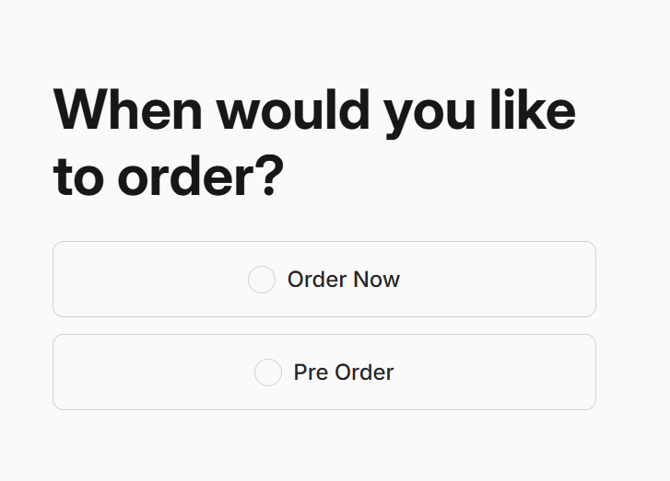
3. Choose when would you like to order.
4. Then add the items you would like to order and click on 'Go to Checkout', on this page you can click on apply vouchers.
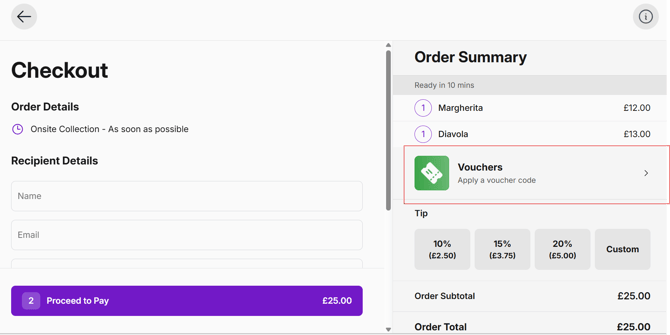
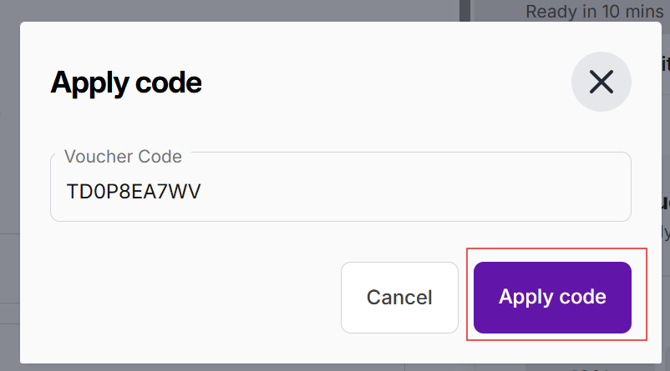
5. When you click on Apply voucher code, a dialog box will appear. Enter the voucher code you received by email and then click on Apply code.
6. After clicking Apply code, the voucher details will appear. Review them and then click on Apply voucher.

7. You can then choose whether to use the full voucher amount or only part of it, depending on the voucher conditions, and click on Apply once you’re ready.

8. You will then see the voucher applied to your order and can proceed to payment.
