When you open the merch app, on the screen where you enter your PIN or tap Skip, there is a refresh button in the top-left corner that you can click.
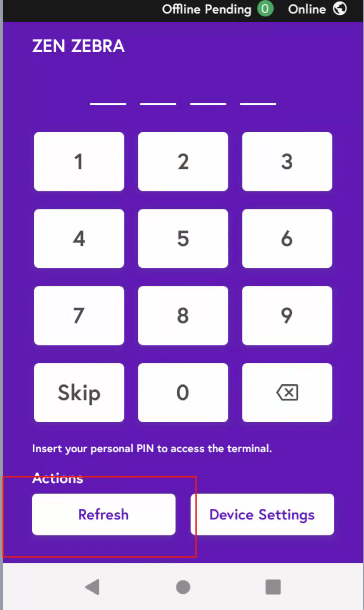
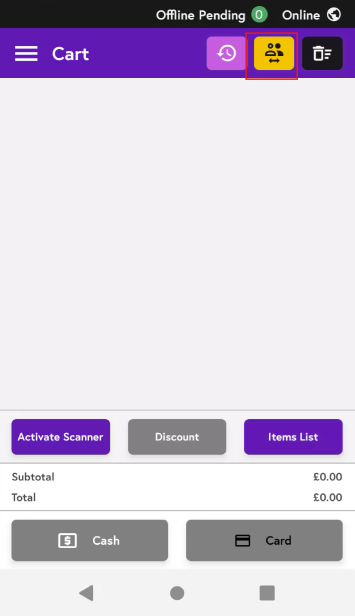
Once you are in the app, you can tap the Switch User button at the top, which will take you back to the main screen, and then tap the Refresh button.