1. Open the Lite v2/EPOS v2 app on the device.
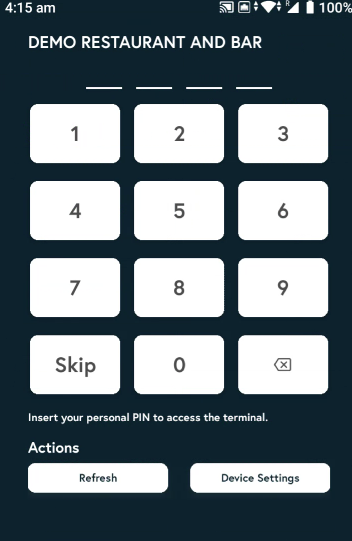
2. Enter the PIN, or tap Skip if you don’t have one.
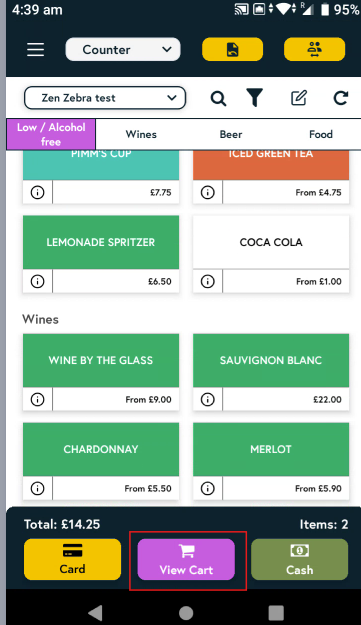
3. Tap on the items you’d like to order, then tap View cart.
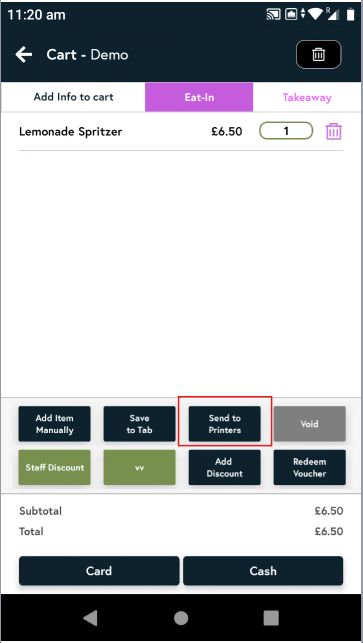
4. Click on 'Send to Printers'.
5. A list of items in your cart will appear. Select the item(s) you want to send, then tap Send.

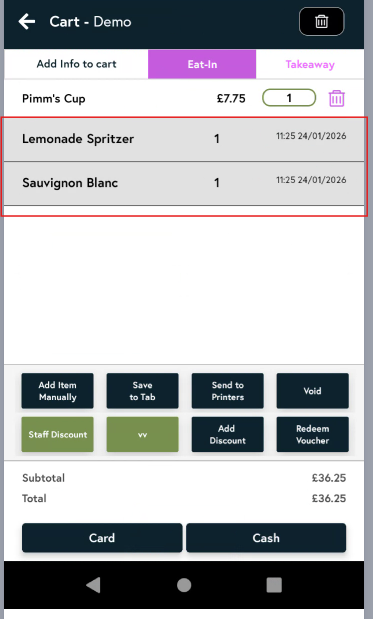
6. Now in the cart, any items that have been sent to the printers will appear greyed out with a date and time stamp, while items that have not been sent will remain active.