
1. Open the Lite v2/EPOS v2 app on the device.
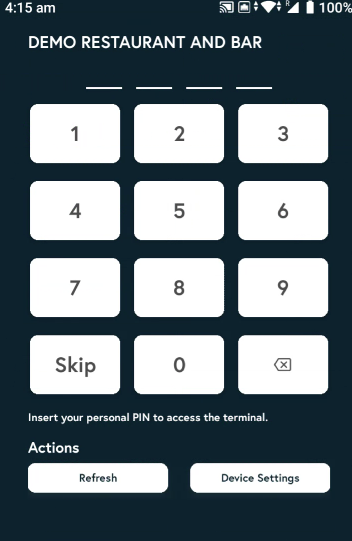
2. Enter the PIN, or tap Skip if you don’t have one.
3. Click on the dropdown and then select 'Keypad' from that.

4. Enter the amount and click on Charge to process the payment via Keypad. This is how you will be able to take keypad payments.
