
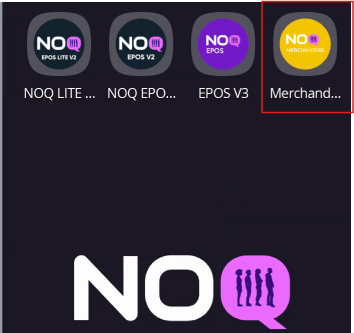
1. Select the Merch app on your NOQ terminal as soon as you power it on.
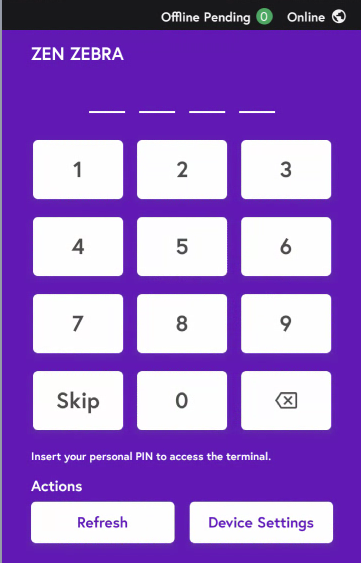
2.When you select it, either tap the Skip button or enter the staff/manager PIN if you have one.
Need to create new Manager user? Click Here
Need to create new Staff user? Click Here