1. Login to the NOQ portal.
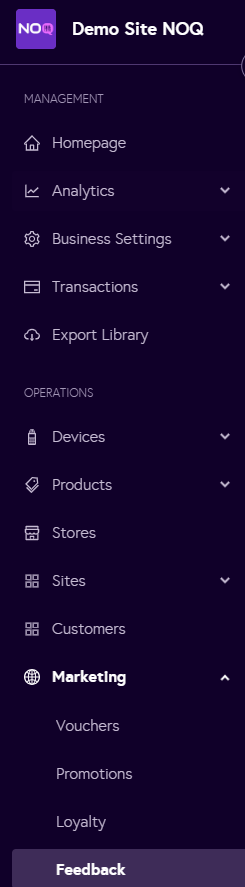
2. Navigate to Marketing -> Feedback from left navigation panel.
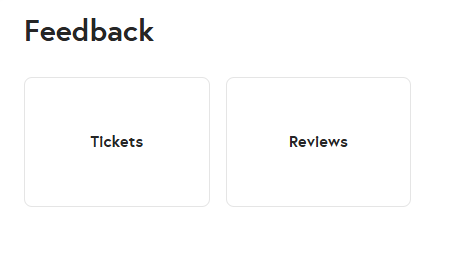
3. Choose either Tickets or Reviews.
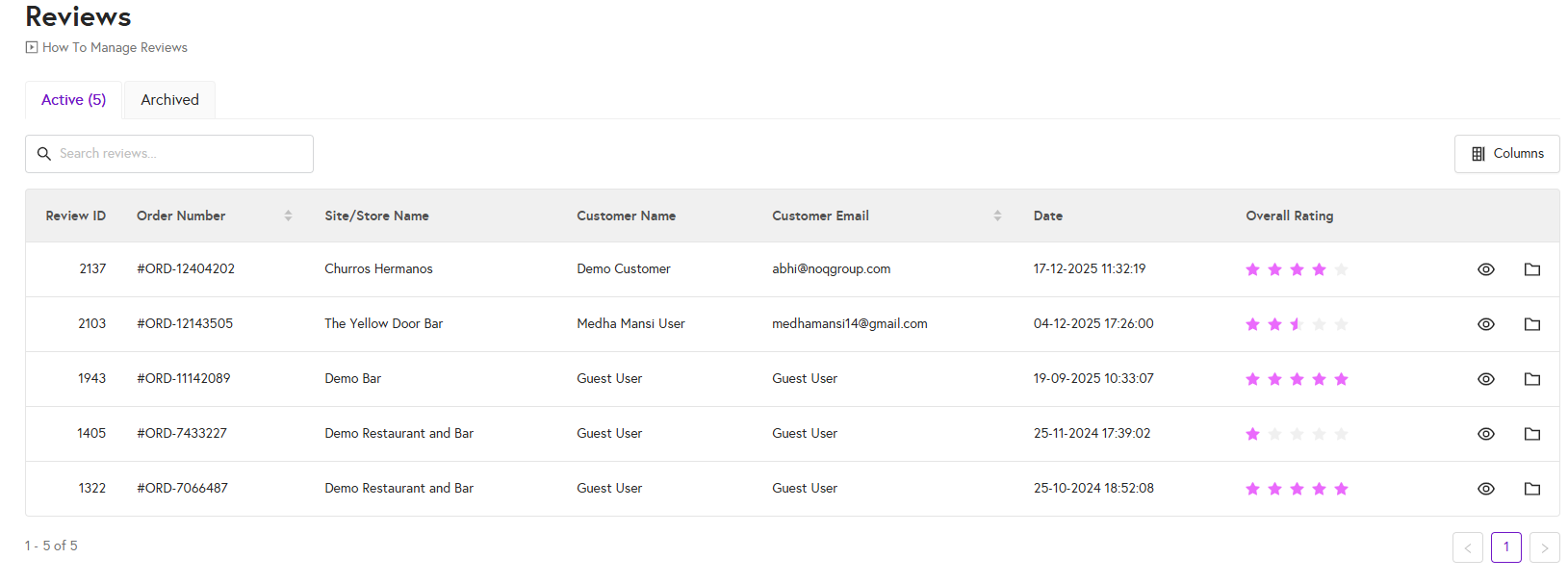
4. Here you can view all your active reviews. If you want you can archive it by clicking on the folder button for that particular review.