
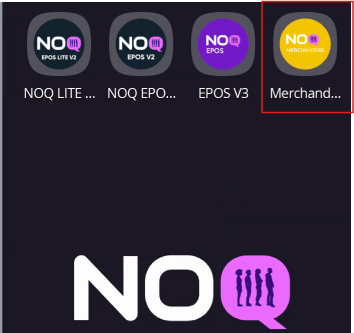
1. Select the Merch app on your NOQ terminal as soon as you power it on.
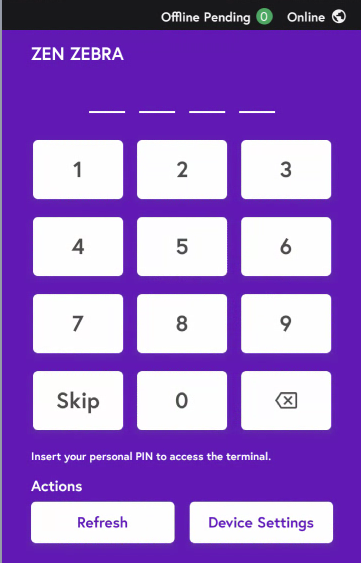
2.When you select it, either tap the Skip button or enter the staff/manager PIN if you have one.
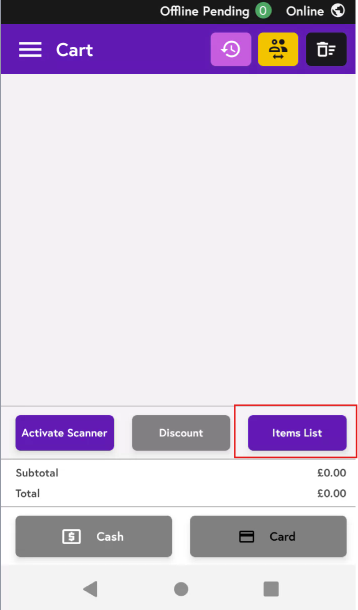
3. Click on Items List on the screen.
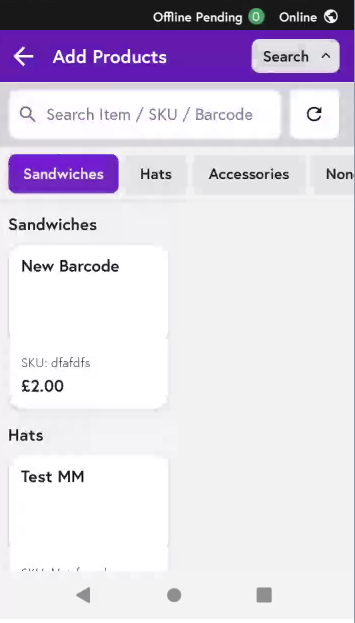
4. Click on the search bar and search for items, or scroll through the tabs to view the full items list.
Not able to see your item? Click Here to see how you can create new items on the NOQ backend portal.