
If you have only one staff member, you can enable the SKIP button so they don’t need to enter their PIN.
To learn how to create staff members and manage their permissions, please click here.
1. Log in to the NOQ Portal.
2. From the sidebar, navigate to Stores, then click the Pen🖊️ icon next to the store you want to add the skip button.

3. Go to Staff.
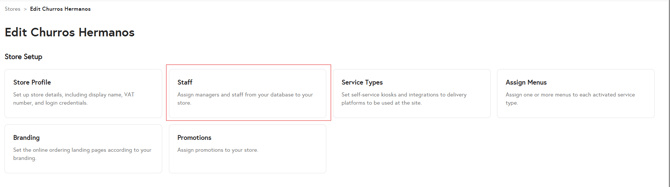
4. Under the Add Staff section, select a staff member from the drop-down menu. Once selected, the Add button will be enabled—click it to add the staff member.

⚠️You can add additional staff members as needed, but SKIP button will only appear on the EPOS app if only ONE staff is added to the staff list.⚠️
The Skip button will now be visible in the EPOS app.
