
1. Login to the NOQ portal.
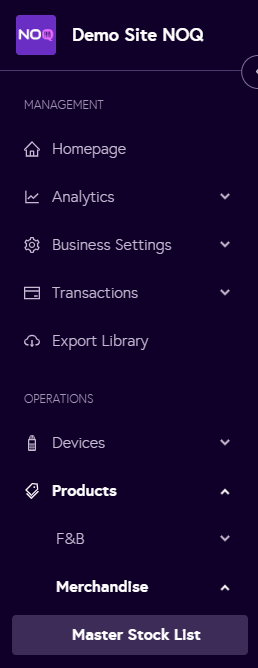
2. Navigate to Products -> Merchandise -> Master Stock List.
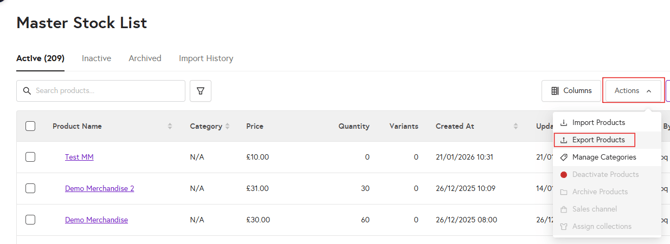
3. Click on Actions and select Export Products.
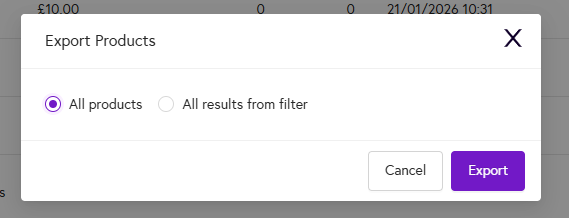
4. A dialog box will appear you can either click on 'All Products' or 'All Products from filter' and then click on 'Export'.
To learn how to filter products and then export click here.