1. Login to the NOQ portal.
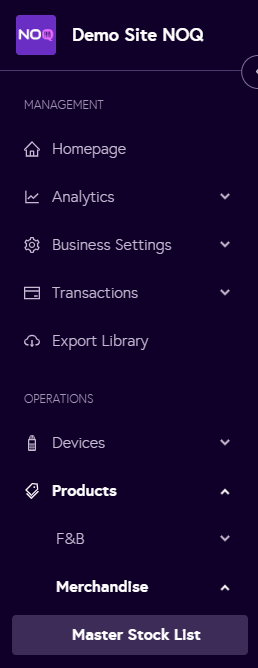
2. Navigate to Products -> Merchandise -> Master Stock List.
3. Click on 'Edit Product Display Order'.

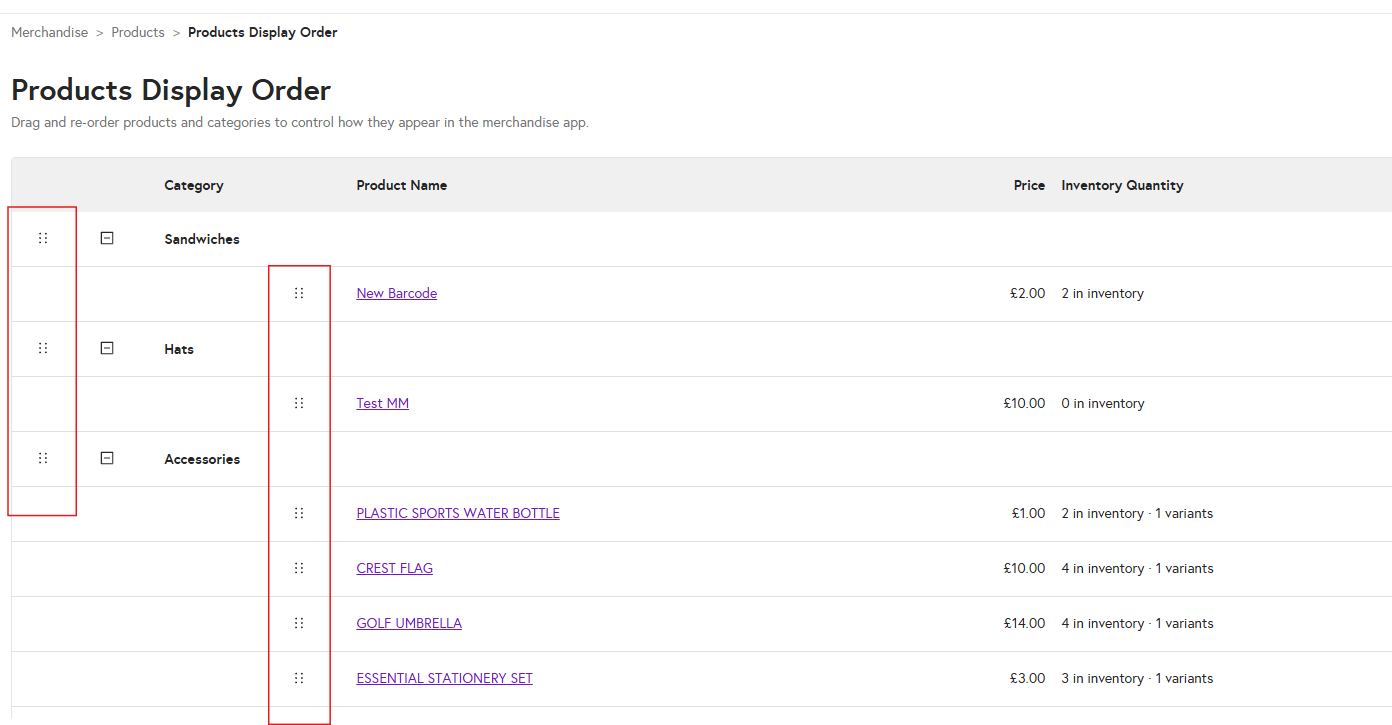
4. When you click on ‘Edit Product Display Order’, you can adjust the category order by clicking and dragging the 6 dots shown next to each category. You can also rearrange individual items by clicking on the 6 dots next to the item and dragging it up or down to the desired position.