
1. Login to the NOQ portal.
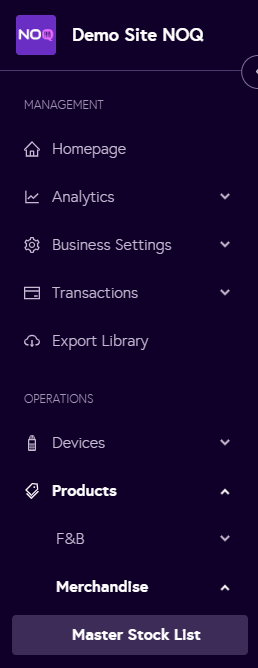
2. Navigate to Products -> Merchandise -> Master Stock List.
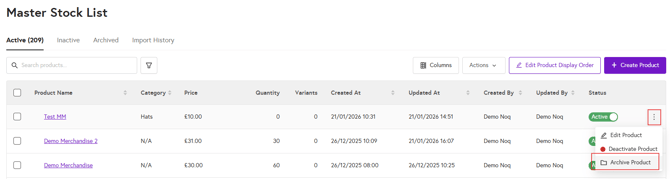
To Archive Products:
-
In the Master Stock List under the Active tab, click the three dots next to the product you want to archive
To Unarchive/Activate Products:
-
In the Master Stock List, go to the Archived tab, click the three dots next to the product you want to activate, and select Activate product.
