
1. Login to the NOQ Portal.
2. From the sidebar, navigate to Products > Merchandise > Stock Locations.
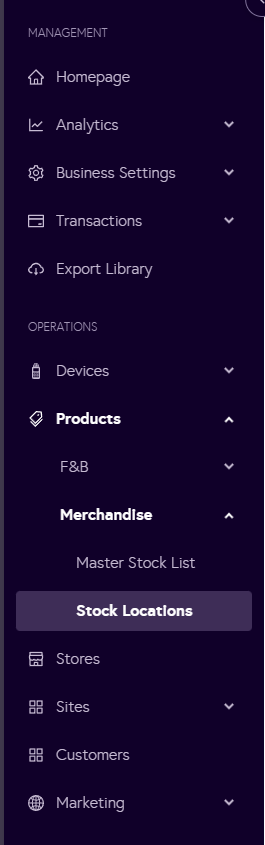
3. Click on manage inventory for your stock location.

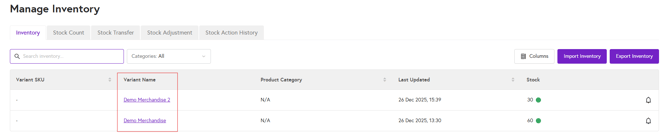
4. Here you will see items list. Under Variant name column, click on the name you want to edit/add SKU & barcode.
5. Scroll down to Inventory section, edit/enter item SKU & barcode then click on Update product. It will edit/create item SKU & barcode.
