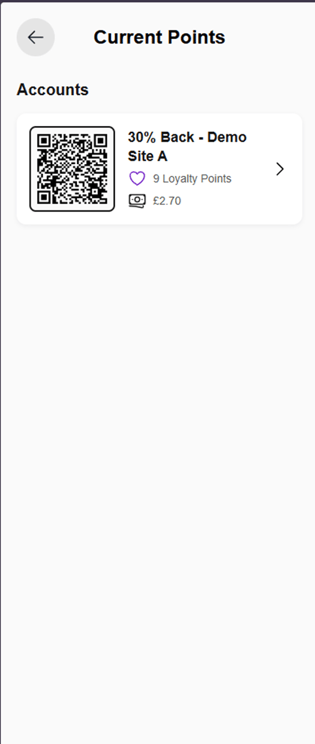
1. Log in to the PWA app on desktop or mobile and enter your email address.
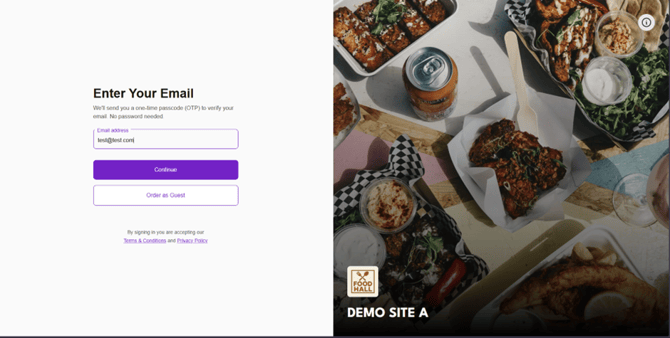
2. Enter the passcode you receive at your email address and press Continue. If you don’t receive a passcode, press Resend one-time passcode.

3. Once you are logged in, click your initials in the top-right corner.

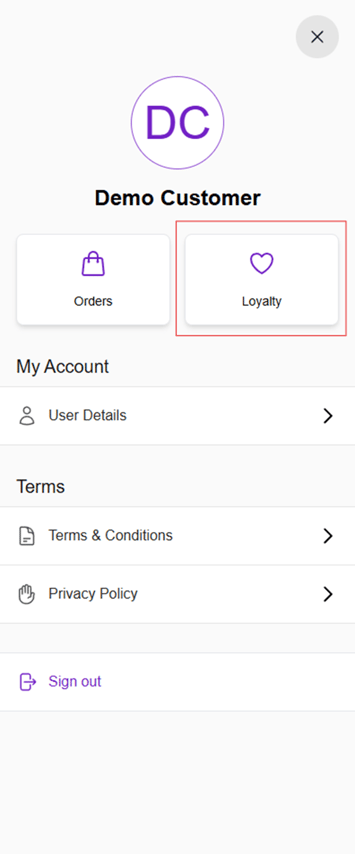
4. From the left navigation, your profile will open. Click on Loyalty to view your loyalty points.
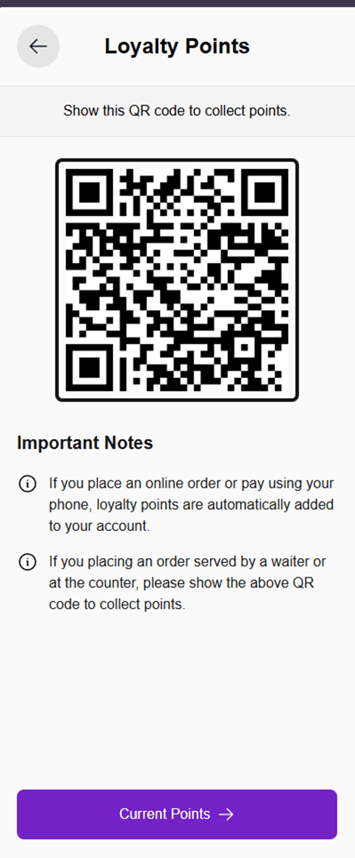
5. Click on Current Points to view your balance. To collect points at an event, simply show this QR code to the vendor and your points will be added.
6. When you click on Current Points, your transactions will display as shown below. Click on any entry to view more details (see screenshot below).