
1. Login into NOQ Portal.
2. From sidebar, navigate to Stores.
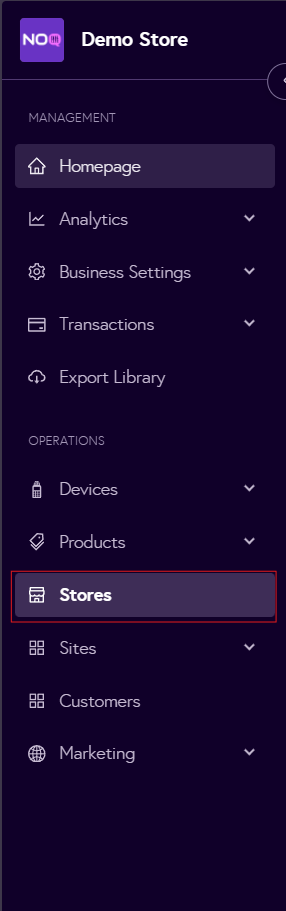
3. Click on the Pen 🖊️ icon to open store profile.

4. Click on Store Profile.
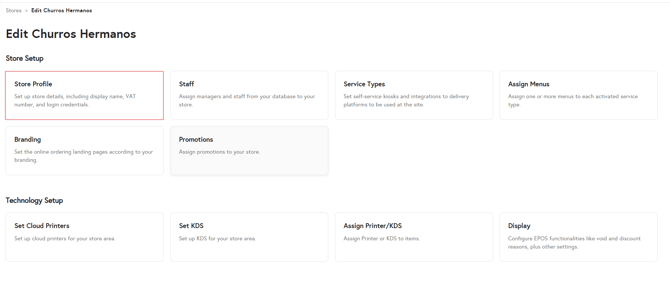
5. Under the Set Store Username and Password section, create a username and password for the selected store, then click Save Store to apply the changes.

You can now use the username and password you’ve created to log in to the EPOS app and the KDS app.