
1. Login to the NOQ Portal
2. Select Sites -> Own Sites from the left navigation Bar
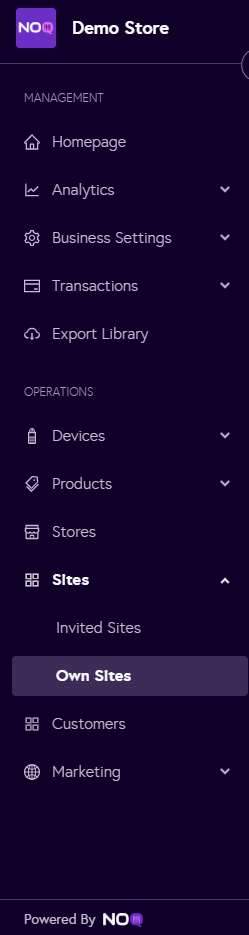
3. Click the ‘Edit’ icon next to the site you want to add the promotions to.

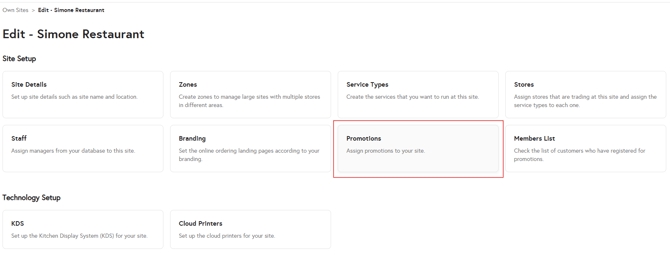
4. Click on Promotions.
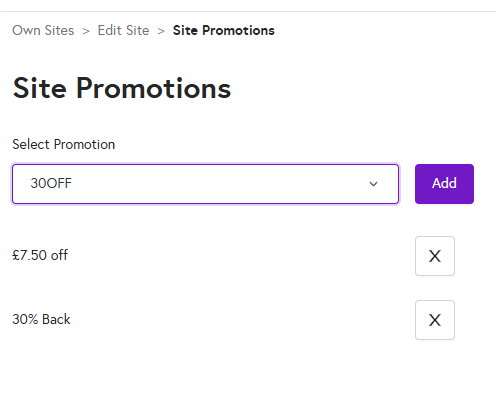
5. Select the promotions you want from the dropdown and click Add. You can add multiple promotions to a single site.
To learn how to assign promo to your store click here.