
To learn how to create custom attributes click here.
1. When you are on the custom attributes page, locate the custom attribute you want to edit by searching for it using the search bar.

2. Next, once you have located the name of the attribute you want to edit, click on the pencil icon next to it to make your changes.

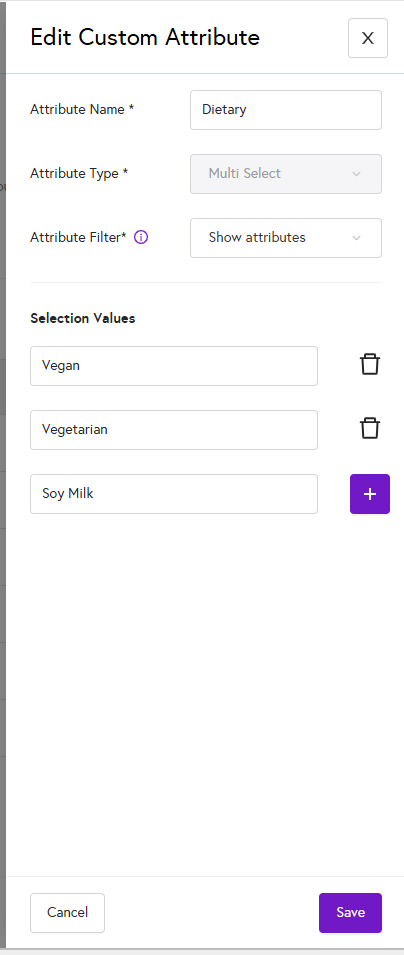
3. When you click on Edit, the custom attribute will open in a panel on the right side of the page. Make the changes you want, add any new attributes as needed, and then click Save. Note that you cannot change the attribute type.
4. When you click save, your custom attribute is now updated.