
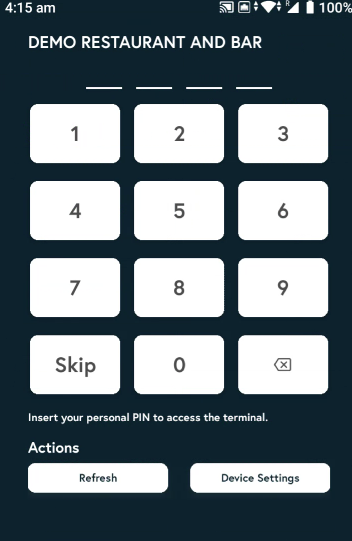
1. Open the Lite V2/EPOS V2 app on the device.
2. Enter the PIN, or tap Skip if you don’t have one.
3. Tap the filter icon on the top bar.
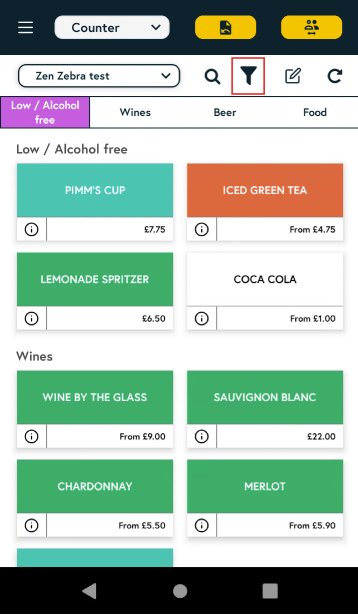
4. Choose from the custom attributes you would like to filter by and tap Select.

5. The filter will be applied and you will be able to see the items with those custom attributes.
Don’t see the custom attribute you need in the list? Click here to learn how to create a Custom Attribute.