Select one of the guides below to learn how to download the following reports based on your requirements.
-
Order Report (EPOS), click here.
- Order Report (Merch), click here.
Click here to learn how to find the customer order in the report you want.
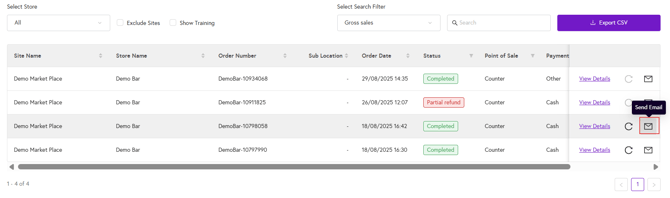
Once you have located the order by following the steps above, click the envelope icon next to the order, enter the customer’s email address, and click Send.