
1. Login to NOQ Portal.
2. Navigate to Stores.
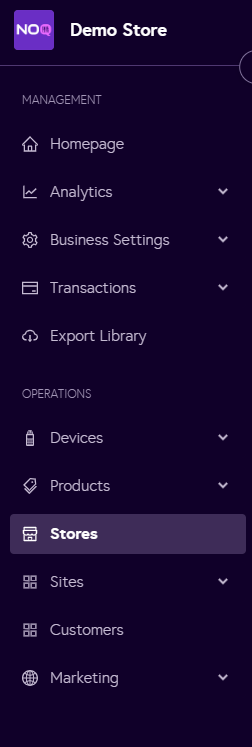
3. Click the edit icon for the independent / site-independent store for which you want to configure service types.

4. Click on Store Services.

5. You can set the Store Services for Onsite & Offsite Service here by clicking on any of them.
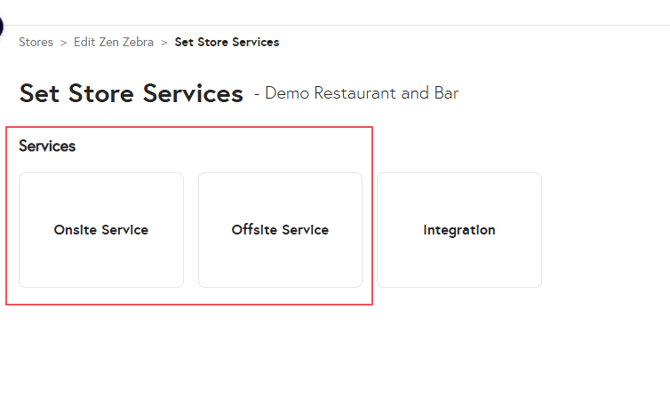
6. For onsite services, click on any of them from below screenshot:

7. Select the checkbox to enable the desired service type. For example, the screenshot below shows how to enable Counter Ordering. You can follow the same steps to enable any other service type and add the required details.

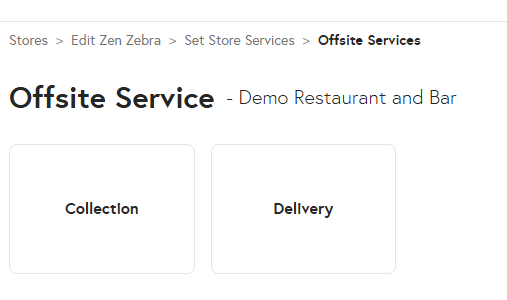
8. Follow the same process to enable service types for Offsite Services. Select either Collection or Delivery, tick the checkbox to enable it, and then enter the required details.
Note: To understand how to fill in the details when you enable that service type for your store, for:
- Collection under Onsite/Offsite Services, please refer to point 7 in this guide.
- Delivery under Onsite/Offsite Services, please refer to point 8 in this guide.
- Express under Onsite Services, please refer to point 8 in this guide.